Do I need a developer for hosting? In most cases, no. If you are launching a standard business website, blog, portfolio, or WordPress site, you can usually purchase a hosting plan, connect your domain, install your website platform, and manage everyday tasks through a control panel. You do not need to write code just to get a website online.
The answer changes when your website uses custom applications, specialized server software, complex databases, or infrastructure that needs hands-on configuration. In those situations, a developer or system administrator can save time and prevent costly mistakes.
If you are ready to get started, register with TezHost and choose a hosting environment that matches your website. Not sure which plan or technology you need? Talk to a TezHost sales agent before purchasing.
1. Do I Need a Developer for Hosting a Basic Website?
Usually, no. Most basic websites can be launched without hiring a developer, provided you choose a suitable hosting plan and use a supported website builder or content management system. If you are asking, do I need a developer for hosting a simple site, the answer is generally no.
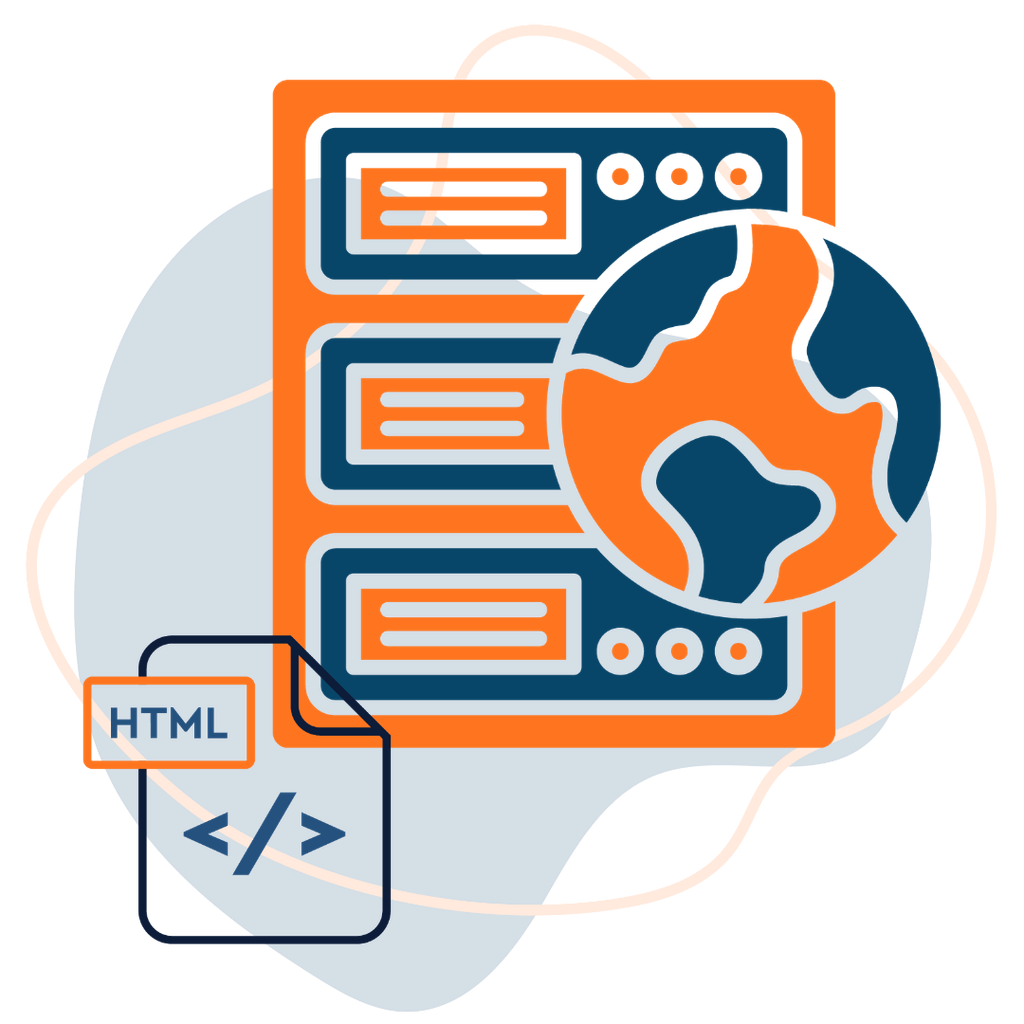
For a WordPress website, for example, the typical process is straightforward:
- Register a domain and purchase a compatible hosting plan.
- Point the domain to the hosting provider’s nameservers or configure the required DNS records.
- Install WordPress using the hosting control panel or an application installer.
- Select a theme, configure essential plugins, and publish your content.
- Enable SSL and check that backups are configured.
A control panel such as cPanel or Plesk makes common tasks easier by providing a graphical interface for managing files, databases, email accounts, domains, and SSL settings.
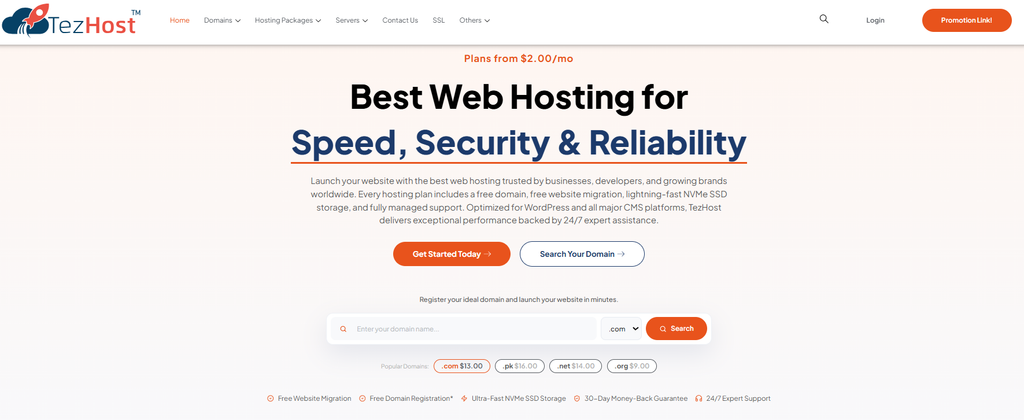
TezHost offers managed hosting options, application tools, and support designed to reduce the technical work involved in launching a website. Its homepage lists plans from $2 per month, along with features such as NVMe storage, website migration, and 24/7 expert assistance. Check the current plan details and eligibility before ordering.
2. What Technical Skills Are Required to Manage Web Hosting?
The technical skill for web hosting depends on what you are hosting and how much control you want over the server. When asking do i need a developer for hosting, start by identifying which tasks you can manage through your control panel.

For a standard website, useful basics include:
- Understanding domains, nameservers, and DNS records.
- Knowing how to use a hosting control panel.
- Installing a CMS and managing themes and plugins.
- Creating email accounts and configuring basic settings.
- Enabling SSL, updating software, and checking backups.
- Recognizing when an issue needs support or specialist help.
For a more technical project, you may need command-line skills, SSH access, Linux or Windows administration, database management, Git, deployment workflows, firewall configuration, and application troubleshooting.
The important point is that technical skill for web hosting is not an all-or-nothing requirement. The level of technical skill for web hosting can remain basic for a brochure site but become advanced for a custom application. You can learn routine website management gradually and bring in a specialist only when the work goes beyond your experience.
For a deeper look at infrastructure choices, read 7 insights on hosting for web developers.
3. Which Hosting Setup Requirements Can You Handle Yourself?
Many hosting setup requirements are routine and can be completed by a website owner using the provider’s dashboard and documentation. Do I need a developer for hosting setup? Not for standard account and website tasks, but complex configurations may need one.

You can often manage these hosting setup requirements yourself:
- Buying a hosting plan and registering a domain.
- Adding a domain to your hosting account.
- Installing WordPress or another supported application.
- Creating email accounts and basic databases.
- Setting up SSL where it is included or supported.
- Uploading website content and managing routine updates.
You may need technical help for tasks such as migrating a complex application, configuring custom server modules, setting up advanced caching, debugging application errors, hardening server access, or designing a high-availability environment.
Before ordering, compare the hosting setup requirements of your website with the features included in the plan. Clear hosting setup requirements help you avoid paying for resources or administration you do not need. Check supported programming languages, database versions, storage, memory, CPU resources, control panel, backup arrangements, and support scope.
If you are unsure, talk to a TezHost sales agent and explain what you intend to run. Tell the team about your CMS, framework, expected traffic, and any special software requirements.
4. When Should You Hire a Developer or System Administrator?
Hire a professional when the work involves code, infrastructure, or security decisions that you cannot confidently test and reverse. If you are unsure whether do i need a developer for hosting a custom application, assess the complexity and risk before deployment.

A developer is useful when you need to:
- Build or modify a custom website or web application.
- Integrate APIs, payment gateways, or external platforms.
- Resolve application-level errors or performance bottlenecks.
- Configure a framework or runtime that is not available through a standard installer.
- Plan a migration involving databases, application dependencies, and DNS changes.
A system administrator or DevOps engineer may be more appropriate for server provisioning, operating-system configuration, access controls, firewalls, monitoring, automated deployment, and backup recovery procedures.
The right technical skill for web hosting is determined by the responsibility you want to manage—not simply by whether you own a website.
5. Does Your Application Need Specialized Hosting?
Yes, some applications require a hosting environment that supports their runtime, framework, database, and resource needs. Do i need a developer for hosting these applications? It depends on whether you can configure and maintain the required stack yourself.
For example:
WordPress and standard CMS websites: A compatible shared or managed hosting plan is often sufficient for a small or medium website. Check PHP, database, storage, SSL, backups, and resource limits.
Node.js applications: Confirm that the plan supports the required Node.js version, application process management, environment variables, and deployment method. TezHost’s Node.js hosting page lists native Node.js support, cPanel, NVMe storage, daily backups, free SSL, and security features. The page currently lists plans from $8.33 per month; verify the live plan specifications before purchase.
Python applications: Django, Flask, APIs, and automation tools need compatible Python versions and application deployment support. TezHost’s Python hosting page describes native Python support, cPanel, daily backups, free SSL, and security features, with plans currently listed from $8.33 per month.
ASP.NET applications: A Windows hosting environment may be required depending on the framework and application dependencies. Plesk Windows hosting for ASP.NET explains how Plesk can simplify management of Windows-based applications, databases, DNS, SSL, and deployment workflows.
These examples show why hosting setup requirements should be checked against the actual application before you commit. Confirm the hosting setup requirements with the provider if your framework or deployment method is unusual.
6. When Should You Choose VPS, Cloud, Dedicated, or AWS Hosting?
A more advanced hosting environment gives you greater control, but it also increases your responsibility. Do i need a developer for hosting on VPS, cloud, or dedicated infrastructure? You need access to the right technical skills, whether in-house or through a specialist.
- VPS hosting: Suitable when you need more control, dedicated resources, custom software, or a development environment. Root access means you are responsible for server configuration and maintenance unless management is included. See 7 tips to master VPS for developers.
- Cloud servers: Useful for applications that need flexible resources and room to scale. TezHost lists cloud servers from $17 per month, with plans featuring AMD EPYC processors, DDR5 memory, Gen4 NVMe storage, root access, dedicated IPs, and Linux or Windows support. Backups are optional on the listed plans, so arrange a backup strategy rather than assuming it is included. Explore TezHost Cloud Servers.
- Dedicated servers: Appropriate for workloads that require physical server resources, deeper configuration control, or specific performance characteristics. TezHost lists dedicated servers from $120 per month, with full root access and Linux or Windows options. See Dedicated Server Hosting.
- AWS infrastructure: Useful when your architecture depends on AWS services or cloud-specific deployment requirements. TezHost’s AWS server options describe Linux-based infrastructure, root access, dedicated IPs, and support for technologies such as PHP, Python, Node.js, Docker, and databases.
If you are moving workloads between providers, review how to switch cloud providers and plan the migration, testing, and rollback process before changing production traffic.
7. How Can You Reduce Technical Work Without Hiring a Developer?
Choose a hosting service that matches your technical comfort level. If you keep wondering do i need a developer for hosting, the right provider and plan can remove many routine setup tasks.

Use these practical steps:
- Choose the right hosting type: Avoid paying for server-level control you do not need.
- Check application compatibility: Confirm the required CMS, runtime, database, and software versions.
- Use a control panel: cPanel or Plesk can simplify common hosting tasks.
- Keep updates current: Update your CMS, themes, plugins, runtime, and server software where you are responsible for them.
- Maintain independent backups: Check backup frequency, retention, restore access, and whether backups are included or optional.
- Secure account access: Use strong passwords, multi-factor authentication where available, and least-privilege access.
- Ask before making risky changes: Contact support or a qualified professional before changing DNS, server configuration, or production databases if you are unsure.
These steps help build technical skill for web hosting over time without making you responsible for every specialized task from day one. Start with the hosting setup requirements you can understand and expand your skills as your project grows.
If you want help matching a plan to your website, contact TezHost through live chat. Explain what you are building and ask which setup and support options fit your requirements.
How Is TezHost Making Hosting More Accessible for Developers and Beginners?
The hosting industry is moving towards platforms that give beginners simpler management tools while allowing developers to choose more specialized environments when projects grow. For customers asking do i need a developer for hosting, accessible tools and practical support can make a real difference.
TezHost’s approach brings several hosting options together: standard web hosting, managed application hosting for Node.js and Python, Windows hosting with Plesk, cloud servers, dedicated servers, and AWS-based infrastructure. This gives customers a way to choose based on their application rather than forcing every project into the same type of hosting.
For beginners, control panels, application tools, migration assistance, and support can reduce the amount of server administration they need to handle themselves. For developers, options with root access and support for specific runtimes provide more room to configure applications and deployment environments.
Explore the available services at TezHost, or talk to a sales agent to discuss your project before choosing a plan.
Conclusion: Do I Need a Developer for Hosting?
For a standard business website, blog, portfolio, or WordPress installation, you usually do not need to hire a developer just to set up hosting. So, do i need a developer for hosting? Only when the website’s technical demands go beyond routine management.
You should consider professional help when your project involves custom code, specialized runtimes, complex migrations, server-level configuration, security hardening, or performance troubleshooting.
The best decision is to match the hosting environment to your actual requirements. Do i need a developer for hosting remains a practical question of workload, control, and the technical skill for web hosting available to you.
Ready to launch? Register with TezHost, explore available hosting solutions, or speak with a sales agent for guidance.
Frequently Asked Questions
Do I need coding knowledge to buy web hosting?
No. Buying a hosting plan does not require coding knowledge. If you are asking do i need a developer for hosting, you usually only need a compatible plan and basic skills such as connecting a domain and using the control panel.
Can I host a WordPress website without a developer?
Yes. Many users install and manage WordPress themselves through a hosting control panel or application installer.
What technical skill for web hosting should a beginner learn first?
Start with domain and DNS basics, control panel navigation, WordPress installation, SSL, backups, and routine updates.
What are the most important hosting setup requirements?
Check application compatibility, PHP or other runtime versions, database support, storage, CPU and RAM limits, SSL, backup options, security features, and the level of technical support included.
Should I hire a developer to manage a VPS?
Not necessarily, but VPS hosting often requires more server knowledge than shared hosting. If you use root access, someone must handle operating-system updates, security, services, monitoring, and recovery.
Can hosting support replace a developer?
Hosting support can help with issues covered by the provider’s support policy, such as hosting platform, server, or account matters. It may not include custom application development, code debugging, or changes to third-party software. Confirm the provider’s support scope before relying on it.
When should I upgrade from shared hosting?
Consider upgrading when your website consistently reaches resource limits, needs custom server software, requires more control, or has performance and scaling needs that your current plan cannot meet. Review usage data before upgrading.