Cloud server security is the combination of technologies, policies, and practices used to protect cloud-hosted infrastructure, applications, and data from unauthorized access, cyberattacks, and accidental loss.
But here’s the question every business owner wants answered:
Is it actually safe to store sensitive business information on cloud servers?
Imagine running an online business that handles hundreds of customer transactions every day.
Your website stores customer information, your applications process important data, and your team depends on those systems to keep operations running.
Now imagine that information falling into the wrong hands.
Scary, right?
That’s why security should never be an afterthought when choosing cloud infrastructure.
The good news is that modern cloud environments can support strong security controls, including encryption, firewalls, access management, backups, and monitoring.
However, simply moving your data to the cloud doesn’t automatically make it secure.
You need the right hosting environment and appropriate security practices.
At TezHost, we understand that businesses need hosting solutions they can evaluate with confidence.
Whether you’re launching a website, developing an application, or exploring cloud infrastructure, understanding security responsibilities is essential.
Ready to explore your hosting options?
Register with TezHost today and discover solutions for your website or business application.
Let’s explore how cloud servers protect sensitive information and what you can do to strengthen that protection.
How Secure Are Cloud Servers for Sensitive Data?
Cloud servers can be highly secure for sensitive data when appropriate technical safeguards, access controls, monitoring, and operational procedures are implemented.
Effective cloud server security depends on more than the cloud provider alone.
It involves both the infrastructure provider and the organization using the service.
Cloud providers generally manage the security of the underlying physical infrastructure.
Customers may be responsible for securing operating systems, applications, user accounts, and stored information.
The exact division of responsibilities depends on the service.
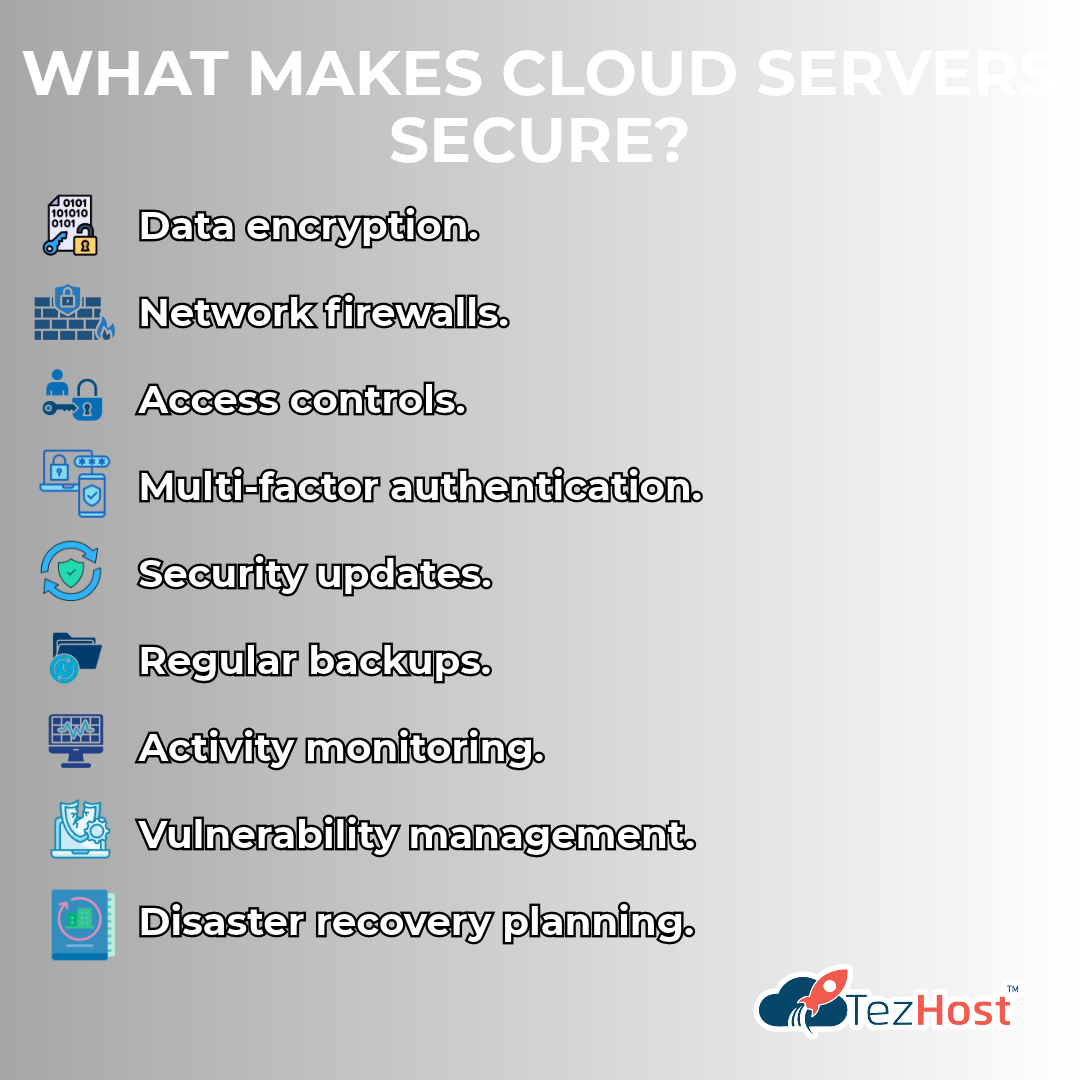
What Makes Cloud Servers Secure?
Several technologies and practices contribute to a secure cloud environment:
- Data encryption.
- Network firewalls.
- Access controls.
- Multi-factor authentication.
- Security updates.
- Regular backups.
- Activity monitoring.
- Vulnerability management.
- Disaster recovery planning.
When properly configured, these controls can reduce the likelihood and impact of security incidents.
Are Cloud Servers Safer Than Traditional Servers?
Not automatically.
Both cloud and on-premises infrastructure can be secure or insecure.
Cloud infrastructure may reduce the burden of managing physical hardware, while on-premises environments can offer organizations direct control over their equipment.
The better choice depends on your technical expertise, budget, compliance requirements, and security practices.
For a detailed comparison, read Cloud vs. On-Premise: Which Is Better for Your Business?.
The important question isn’t simply where your data is stored. It’s how effectively that data is protected.
1. Encryption: Protecting Data from Unauthorized Access
Encryption is one of the most important components of cloud server security because it helps prevent unauthorized parties from reading sensitive information.
Encryption converts readable information into an encoded form.
Only someone with the appropriate cryptographic key can decrypt it.
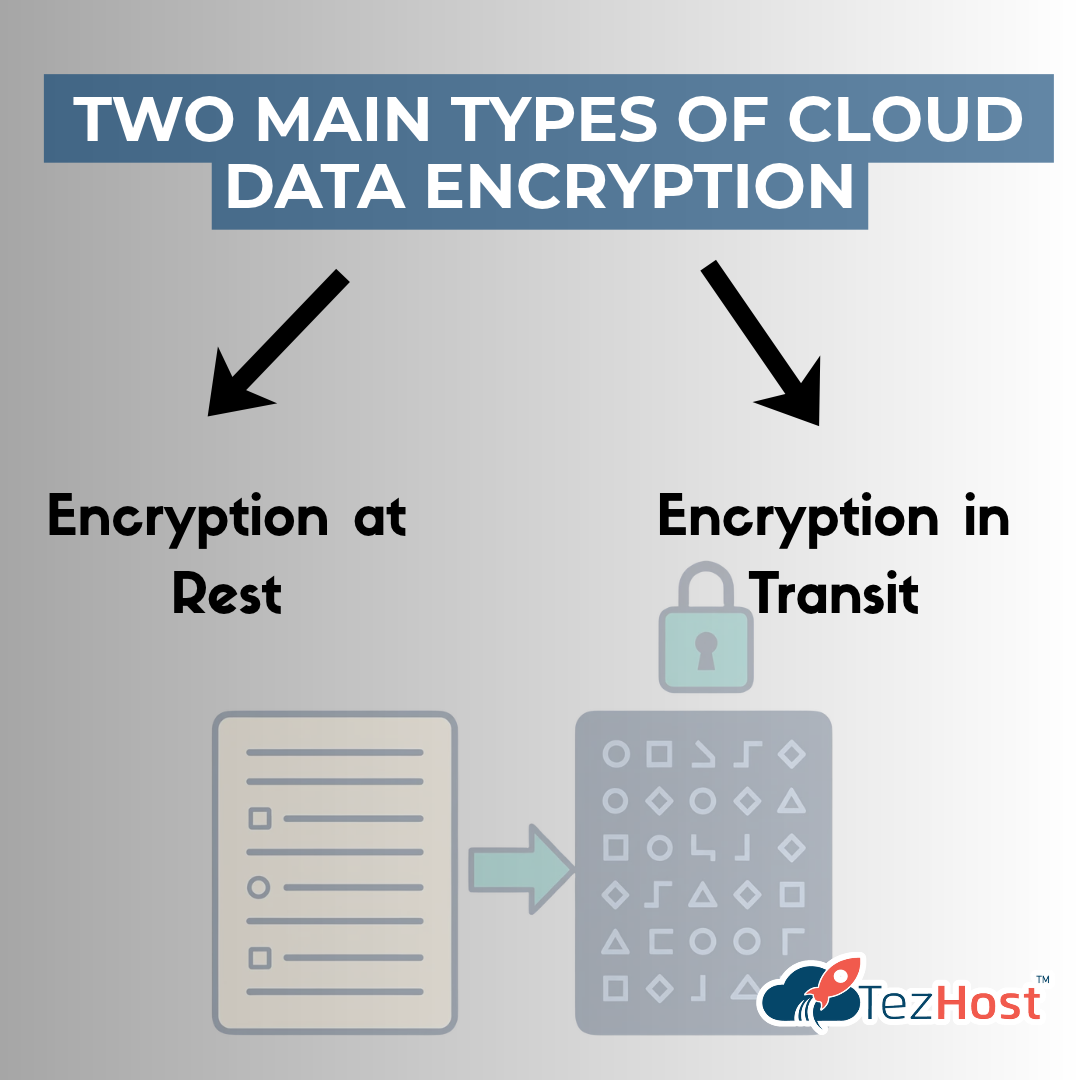
What Are the Two Main Types of Cloud Data Encryption?
Encryption at Rest
This protects data while it is stored.
Examples include encrypted disks, databases, and backups.
Encryption in Transit
This protects information while it moves between systems.
For example, HTTPS uses TLS to protect communication between a visitor’s browser and a website.
Why Does Encryption Matter?
Imagine someone gains unauthorized access to a storage device.
If the stored information is properly encrypted and the encryption keys remain protected, the attacker may be unable to read the data.
However, encryption isn’t a complete security solution.
If attackers compromise an authorized account or application, they may still access decrypted information.
How Can Businesses Improve Encryption Security?
Use strong, current encryption standards, protect encryption keys, enable HTTPS, and restrict access to sensitive information.
Encryption is essential, but it works best alongside strong authentication and access controls.
2. Access Controls: Keeping Sensitive Information in the Right Hands
Cloud server security depends heavily on controlling who can access your systems and what they’re allowed to do.
Not every employee needs access to every file, database, or administrative setting.
A marketing employee may need access to a website dashboard.
A developer may need access to application files.
A system administrator may require broader server permissions.
Giving everyone unrestricted access creates unnecessary risk.
What Is the Principle of Least Privilege?
The principle of least privilege means users receive only the permissions necessary to perform their responsibilities.
For example, someone responsible for uploading blog posts shouldn’t automatically have access to server administration tools.
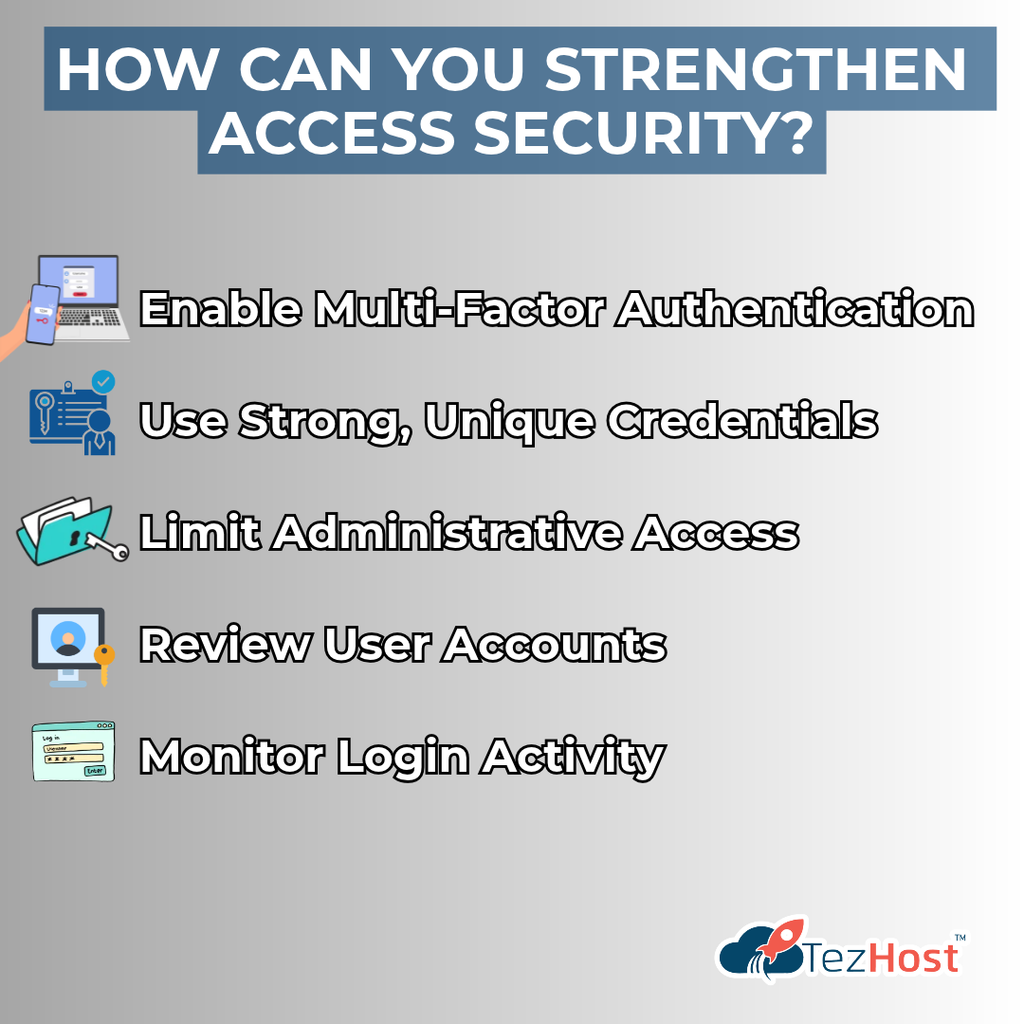
How Can You Strengthen Access Security?
Enable Multi-Factor Authentication
MFA adds another verification step beyond a password.
Use Strong, Unique Credentials
Avoid shared passwords and reused administrator credentials.
Limit Administrative Access
Only authorized personnel should receive elevated permissions.
Review User Accounts
Remove access when employees or contractors no longer need it.
Monitor Login Activity
Investigate unusual access attempts and unexpected account behavior.
Can Hackers Access Cloud Servers?
Yes.
Cloud servers can be targeted through stolen credentials, vulnerable applications, exposed services, and configuration mistakes.
However, appropriate access controls can significantly reduce these risks.
Your cloud infrastructure is only as secure as the accounts and permissions protecting it.
3. Firewalls and Network Protection: Your First Line of Defense
Firewalls help strengthen cloud server security by controlling network traffic entering and leaving your server.
Think of a firewall as a security checkpoint.
It evaluates network connections against configured rules and determines which traffic should be allowed.
For example, a public website may need to accept HTTPS traffic.
But its database administration port shouldn’t necessarily be accessible to everyone on the internet.
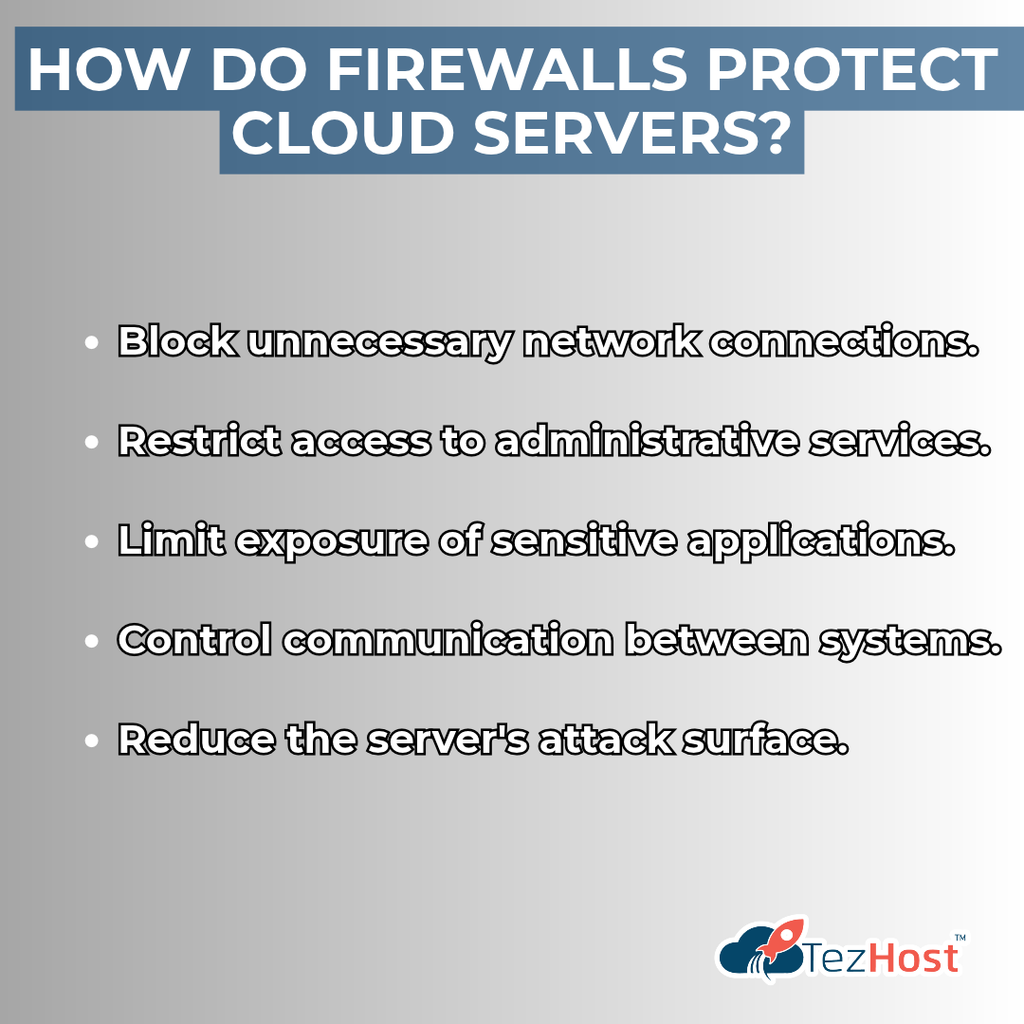
How Do Firewalls Protect Cloud Servers?
Firewalls can help:
- Block unnecessary network connections.
- Restrict access to administrative services.
- Limit exposure of sensitive applications.
- Control communication between systems.
- Reduce the server’s attack surface.
Is a Firewall Enough to Protect Sensitive Data?
No.
A firewall cannot prevent every type of cyberattack.
For example, an attacker may exploit a vulnerability in an application through an otherwise legitimate HTTPS connection.
That’s why firewalls should be combined with application security, patching, authentication, and monitoring.
What About DDoS Attacks?
Distributed denial-of-service attacks attempt to overwhelm a website or service with excessive traffic.
DDoS protection may involve traffic filtering, network-level defenses, content delivery networks, and specialized mitigation services.
Protection capabilities vary between hosting providers and plans.
A well-configured network is an important foundation for protecting cloud-hosted applications.
4. Backups and Disaster Recovery: Preparing for the Unexpected
Reliable backups are essential for cloud server security because they help businesses recover from accidental deletion, corruption, ransomware, and other disruptive incidents.
Imagine your business website suddenly becomes unavailable.
Perhaps an update breaks an important application.
Maybe a database is accidentally deleted.
Or a security incident damages critical files.
Without a reliable backup, recovering your information could be difficult or impossible.
Are Cloud Servers Automatically Backed Up?
Not necessarily.
Some cloud hosting services include backup features, while others offer them separately or leave backup management to customers.
Always confirm what your hosting plan actually provides.
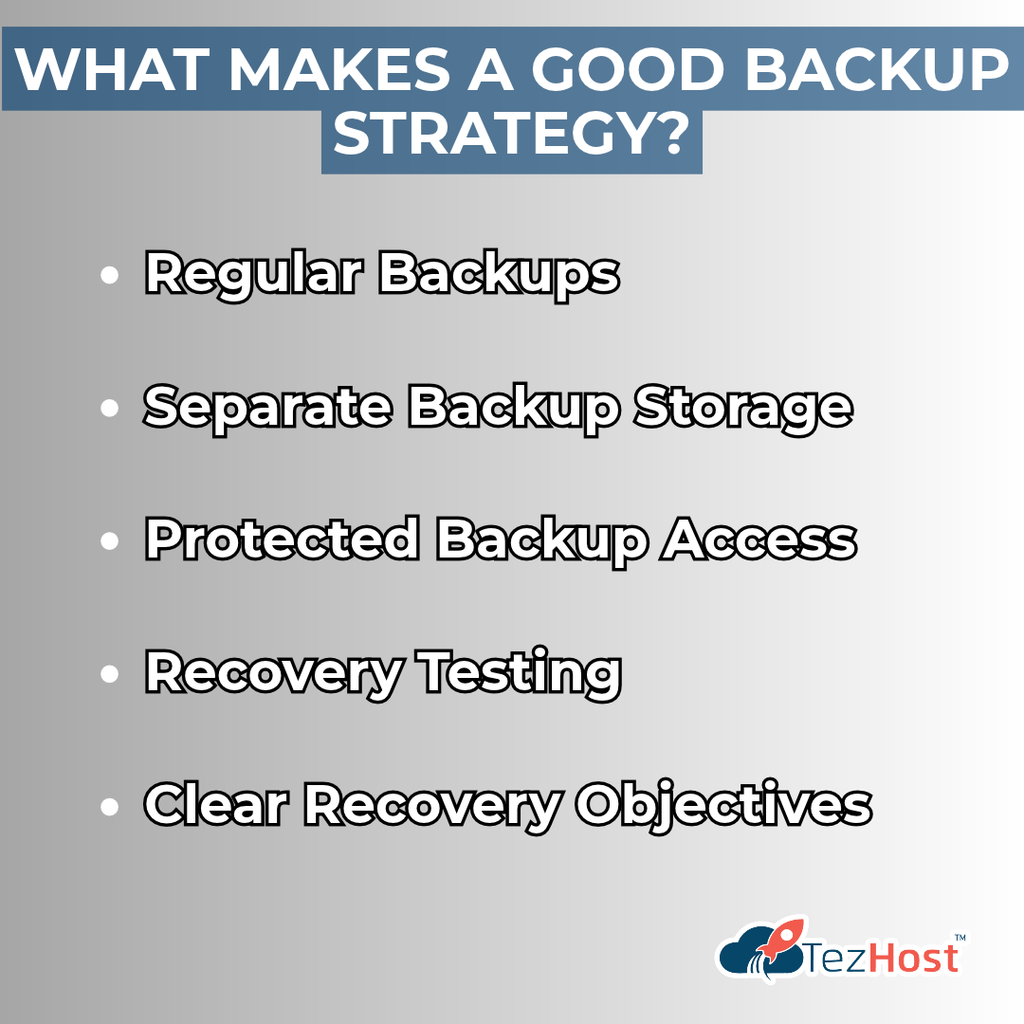
What Makes a Good Backup Strategy?
Regular Backups
Schedule backups according to how frequently your data changes.
Separate Backup Storage
Keep backup copies separate from the primary server where practical.
Protected Backup Access
Restrict who can modify or delete backups.
Recovery Testing
Periodically verify that your backups can be restored successfully.
Clear Recovery Objectives
Determine how much data loss and downtime your business can tolerate.
What Is the Difference Between Backup and Disaster Recovery?
A backup is a copy of data.
Disaster recovery is the broader process of restoring applications, systems, and business operations after a disruption.
Backups protect your ability to recover data. Disaster recovery planning protects your ability to resume operations.
5. Security Updates: Closing Vulnerabilities Before They’re Exploited
Regular software updates are a critical part of cloud server security because outdated systems can contain vulnerabilities that attackers exploit.
Cloud servers run operating systems, applications, libraries, and other software components.
Over time, security weaknesses may be discovered in these components.
Software vendors release updates to address known vulnerabilities.
But those updates only help if they’re applied. What Should Businesses Keep Updated?
Important components include:
- Server operating systems.
- Web servers.
- Database software.
- Content management systems.
- Plugins and themes.
- Programming language runtimes.
- Application dependencies.
- Security tools.
Does the Cloud Provider Handle Every Update?
No.
It depends on the service model.
With self-managed cloud servers, customers generally handle operating system and application updates.
Managed hosting services may include additional maintenance responsibilities.
Before choosing a plan, confirm which updates are managed by the provider and which remain your responsibility.
Why Does Application Security Matter?
Even a well-protected server can be compromised through a vulnerable application.
For example, insecure code, outdated dependencies, or poorly configured APIs can expose sensitive data.
Developers should follow secure coding practices and keep application dependencies updated.
For businesses running custom applications, TezHost offers specialized hosting options such as Node.js Hosting and Python Hosting.
Security isn’t something you configure once and forget. It requires ongoing attention.
6. Monitoring and Threat Detection: Identifying Problems Early
Continuous monitoring strengthens cloud server security by helping administrators identify suspicious activity, system failures, and potential security incidents.
Cybersecurity isn’t only about preventing attacks.
It’s also about recognizing problems quickly and responding appropriately.
What Should You Monitor on a Cloud Server?
Important indicators may include:
- Unusual login attempts.
- Unexpected administrator activity.
- Sudden traffic increases.
- Changes to important files.
- Unusual database activity.
- Unexpected resource consumption.
- Security alerts.
- Application errors.
Why Is Early Detection Important?
Imagine an attacker gains access to a compromised account.
If suspicious activity goes unnoticed, the attacker may have more time to access sensitive information or disrupt services.
Monitoring and alerting can help administrators investigate problems sooner.
Does Monitoring Prevent Every Attack?
No.
Monitoring improves visibility, but it doesn’t guarantee that every threat will be detected.
It should be combined with preventive controls and a documented incident response plan.
The sooner you identify a security problem, the sooner you can begin containing it.
7. Choosing the Right Hosting Provider: Security Starts with Good Decisions
The final step in improving cloud server security is choosing infrastructure that matches your technical, operational, and security requirements.
Not all hosting services provide the same level of management, control, or included security features.
Before choosing a cloud provider, look beyond the advertised price.
What Security Questions Should You Ask?
Ask prospective providers:
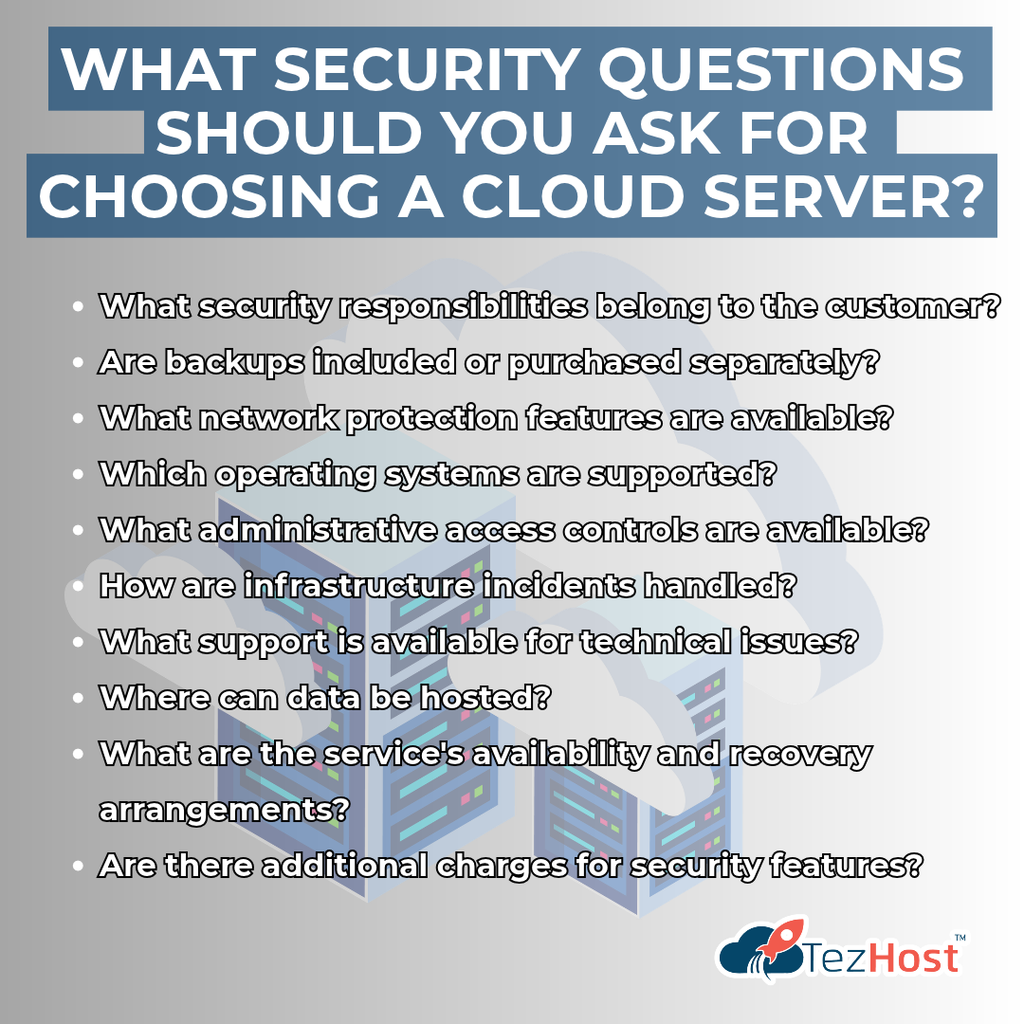
- What security responsibilities belong to the customer?
- Are backups included or purchased separately?
- What network protection features are available?
- Which operating systems are supported?
- What administrative access controls are available?
- How are infrastructure incidents handled?
- What support is available for technical issues?
- Where can data be hosted?
- What are the service’s availability and recovery arrangements?
- Are there additional charges for security features?
Is Cloud Hosting Better Than VPS Hosting for Security?
Neither is automatically more secure.
The answer depends on the architecture, isolation mechanisms, configurations, management responsibilities, and security controls.
A VPS can also be deployed on cloud infrastructure.
For help understanding the differences, read Cloud Hosting vs. VPS: 5 Tips for Your Choice.
What About Large Cloud Platforms?
Major cloud platforms provide a wide range of infrastructure and security services.
Microsoft Azure, for example, offers cloud computing services for organizations with different technical and operational requirements.
Explore our article on Microsoft Azure Cloud Services: 5 Reasons for Success.
The best hosting decision is one based on your actual requirements, not assumptions about what every cloud platform includes.
Cloud Server Security vs. Traditional Server Security
Cloud server security and traditional server security share many of the same principles, but they differ in how infrastructure responsibilities are divided.
Here’s a simple comparison.
| Security Factor | Cloud Servers | On-Premises Servers |
|---|---|---|
| Physical Infrastructure | Managed by cloud provider | Usually managed by organization |
| Operating System Security | Depends on service model | Managed by organization |
| Access Controls | Customer and provider responsibilities | Organization responsibility |
| Encryption | Available through supported tools and configurations | Requires appropriate tools and configurations |
| Backups | Provider features or customer-managed | Organization-managed or outsourced |
| Scalability | Depends on cloud architecture and plan | Depends on available hardware |
| Monitoring | Provider tools and customer monitoring | Organization-managed or outsourced |
| Security Responsibility | Shared according to service model | Primarily organization-managed |
Which Is More Secure for Sensitive Data?
Neither approach is universally more secure.
A properly managed cloud environment can provide strong protection.
A carefully secured on-premises environment can also be highly secure.
The better option depends on the organization’s expertise, security controls, compliance obligations, and operational requirements.
Security is determined by implementation and management, not simply by where the server is located.
What Types of Sensitive Data Can Businesses Store in the Cloud?
Cloud server security can support the protection of many categories of sensitive information, provided the environment meets the relevant legal, technical, and organizational requirements.
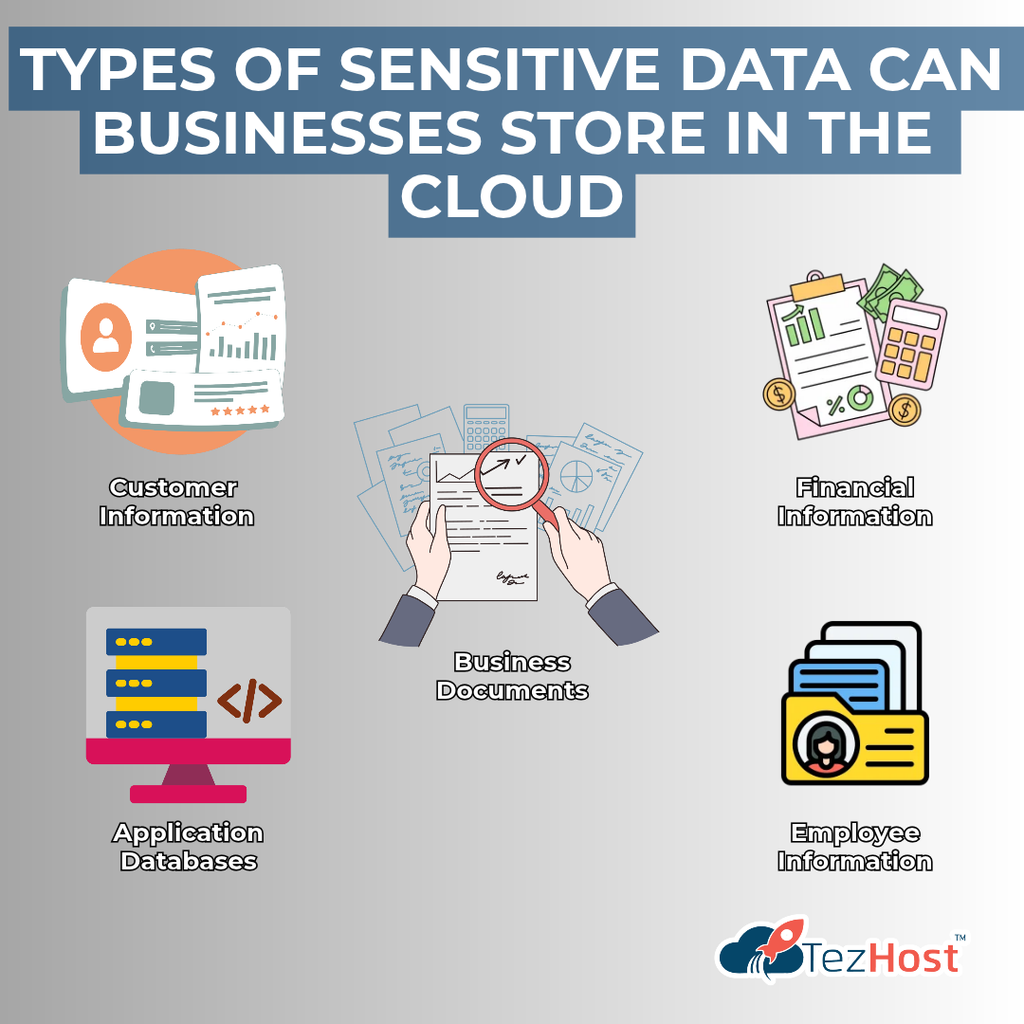
Examples include:
Customer Information
Names, contact details, addresses, and customer account records.
Financial Information
Invoices, financial reports, accounting records, and transaction information.
Business Documents
Contracts, internal reports, business plans, and confidential communications.
Application Databases
Information stored by websites, applications, and internal business systems.
Employee Information
Payroll records, employment documents, and internal personnel information.
Can You Store Highly Regulated Data in the Cloud?
Potentially, yes.
However, sensitive information such as health records or payment card data may be subject to additional legal, contractual, and industry-specific requirements.
Organizations must evaluate data residency, access restrictions, encryption, auditability, and applicable compliance obligations.
For example, payment card environments may need to satisfy PCI DSS requirements.
A cloud server being technically capable of storing sensitive data does not automatically make it compliant with every regulation.
How Is TezHost Revolutionizing Cloud Hosting with Its Approach to Security and Flexibility?
At TezHost, we believe cloud server security begins with choosing the right infrastructure and understanding how to manage it responsibly.
Businesses need more than server resources.
They need hosting environments that suit their applications, technical capabilities, and long-term goals.
Our approach focuses on providing a range of hosting options and helping customers make informed decisions.
1. Cloud Infrastructure for Different Business Needs
Every business has different requirements.
A startup running its first application may need a different hosting environment from an established organization managing multiple services.
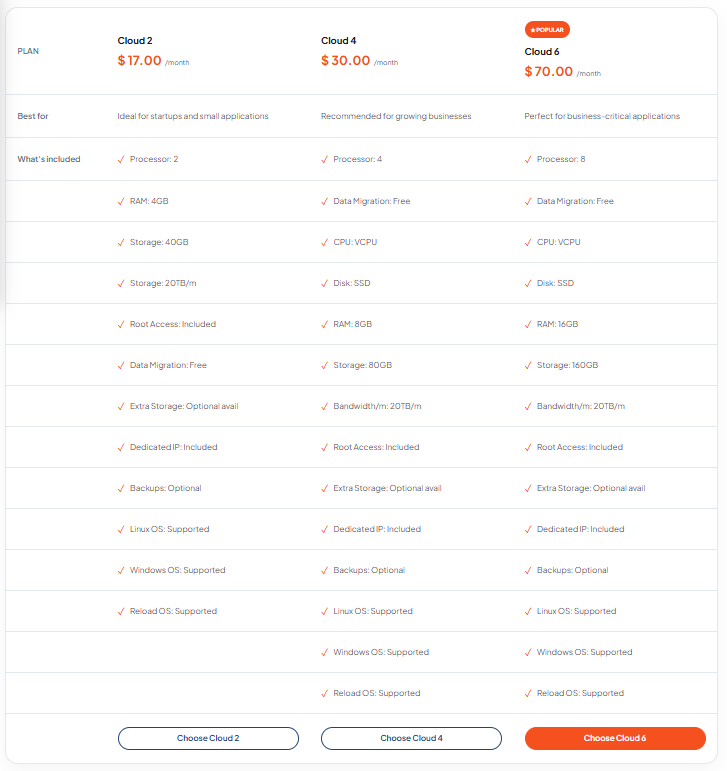
TezHost offers Cloud Servers for customers exploring configurable infrastructure.
2. Greater Flexibility for Technical Teams
Some businesses need more control over their operating systems, applications, and configurations.
Cloud infrastructure can provide that flexibility, depending on the selected plan.
This allows technical teams to implement security measures appropriate for their workloads.
3. Support for Modern Applications
Businesses increasingly rely on custom applications.
TezHost offers hosting solutions for technologies such as Node.js and Python.
These services help customers explore hosting environments compatible with their development requirements.
4. Hosting Options for Different Platforms
Not every application runs on the same technology.
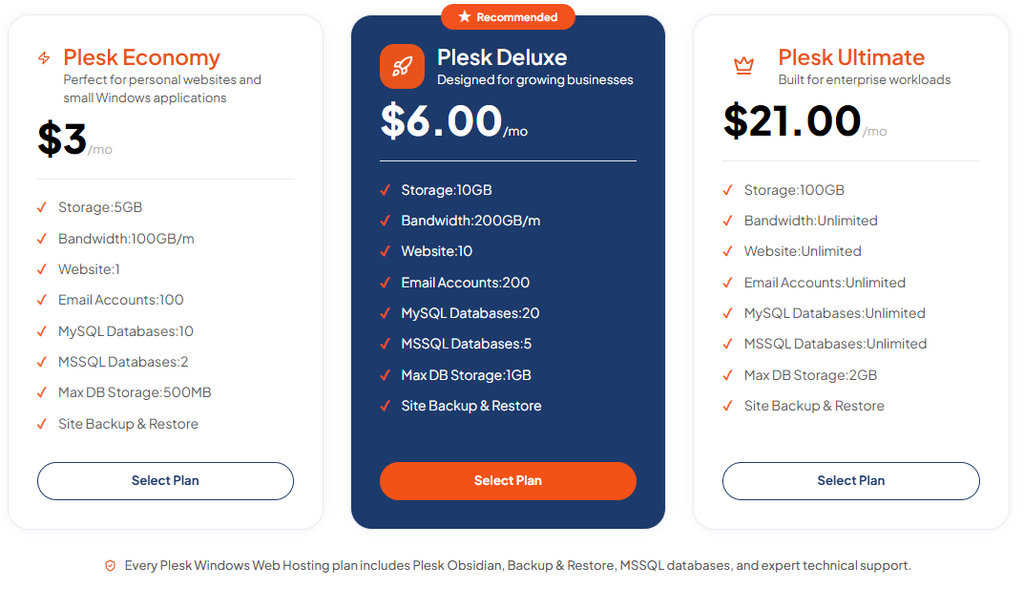
TezHost also offers Plesk Windows Web Hosting for customers who need a Windows-compatible hosting environment.
5. Helping Businesses Build Their Online Presence
A business’s digital identity often starts with a domain name.
TezHost provides Domain Registration alongside its hosting solutions.
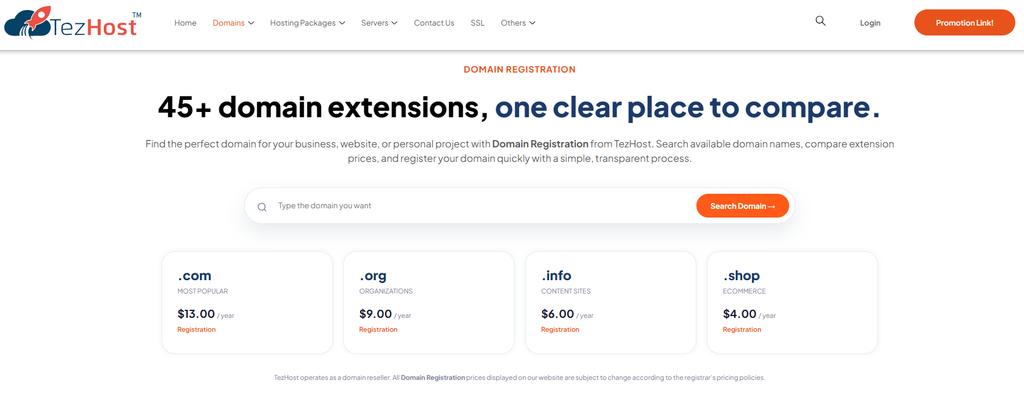
This gives customers a place to explore essential services for establishing an online presence.
6. Guidance Before Choosing a Hosting Solution
One of the most important security decisions happens before a server is deployed.
Businesses should understand their application requirements, data sensitivity, and management responsibilities.
Our sales team can help customers discuss hosting options and clarify available features before making a purchase.
Our goal is to make cloud hosting more accessible while encouraging businesses to choose infrastructure that matches their actual needs.
Looking for Cloud Infrastructure for Your Business?
Whether you’re hosting a website, developing an application, or exploring cloud servers for business workloads, choosing the right environment matters.
Explore TezHost Cloud Servers.
Or talk directly to a TezHost sales agent to discuss your requirements and available security-related features.
Frequently Asked Questions About Cloud Server Security
1. Are cloud servers secure for sensitive data?
Yes. Cloud server security can provide strong protection for sensitive information when appropriate encryption, authentication, access controls, updates, monitoring, and backups are implemented.
2. Can hackers steal data from cloud servers?
Yes. Cloud servers can be compromised through vulnerabilities, stolen credentials, or incorrect configurations.
Strong security practices help reduce these risks.
3. Is cloud storage safer than local storage?
Neither is automatically safer.
Security depends on configuration, access management, encryption, monitoring, and operational practices.
4. Is data encrypted automatically on cloud servers?
Not always.
Encryption features and default settings vary by provider and service.
Customers should verify whether encryption is enabled and how encryption keys are managed.
5. Who is responsible for cloud server security?
Responsibility is shared between the cloud provider and customer.
The exact responsibilities depend on the hosting service and management model.
6. Can cloud servers protect against ransomware?
Security controls can reduce ransomware risks, but no server is completely immune.
Protected backups, timely updates, access restrictions, and monitoring are especially important.
7. Are cloud servers suitable for financial information?
They can be, provided the hosting environment and operating procedures satisfy applicable security and compliance requirements.
8. Do cloud servers need firewalls?
Yes. Appropriate network controls are an important part of protecting cloud-hosted systems.
Firewalls should be combined with other security measures.
9. How often should cloud servers be backed up?
Backup frequency depends on how frequently the data changes and how much potential data loss the business can tolerate.
Critical applications may require more frequent backups than relatively static websites.
10. Can small businesses afford secure cloud hosting?
Small businesses can explore cloud hosting solutions at different price points.
However, they should evaluate the total cost of the infrastructure and necessary security controls.
11. Is a cloud server more secure than a VPS?
Not necessarily.
Security depends on the actual infrastructure, isolation, configuration, and management practices.
12. How can I choose a secure cloud hosting provider?
Compare security features, access controls, backup options, support, management responsibilities, data location, and technical compatibility.
Talk to a TezHost sales agent to discuss the features available with different hosting solutions.
Conclusion: How Secure Is Your Business Data in the Cloud?
Cloud server security can provide strong protection for sensitive business information, but the cloud itself is not a guarantee of safety.
Encryption helps protect information.
Access controls limit unauthorized activity.
Firewalls reduce unnecessary network exposure.
Backups support recovery.
Security updates address known vulnerabilities.
Monitoring helps identify suspicious behavior.
And choosing the right hosting environment provides the foundation for implementing these protections.
Together, these practices can help businesses manage cloud security risks more effectively.
The goal isn’t simply to move your data to the cloud. It’s to make informed decisions about how that data will be protected.
At TezHost, we believe businesses deserve hosting options that support their technical requirements and long-term ambitions.
Ready to Explore Cloud Hosting for Your Business?
Your data matters.
Your customers’ trust matters.
And the infrastructure supporting your business matters.
Don’t choose cloud hosting based on price alone. Understand the security responsibilities and features before making your decision.
Explore TezHost Cloud Servers and discover available infrastructure options.
Need help choosing a suitable hosting solution?
Talk directly to a TezHost sales agent and discuss your application, data, and hosting requirements.
Or register with TezHost today to explore our services.
Protect what matters. Choose your infrastructure carefully. Build with confidence.