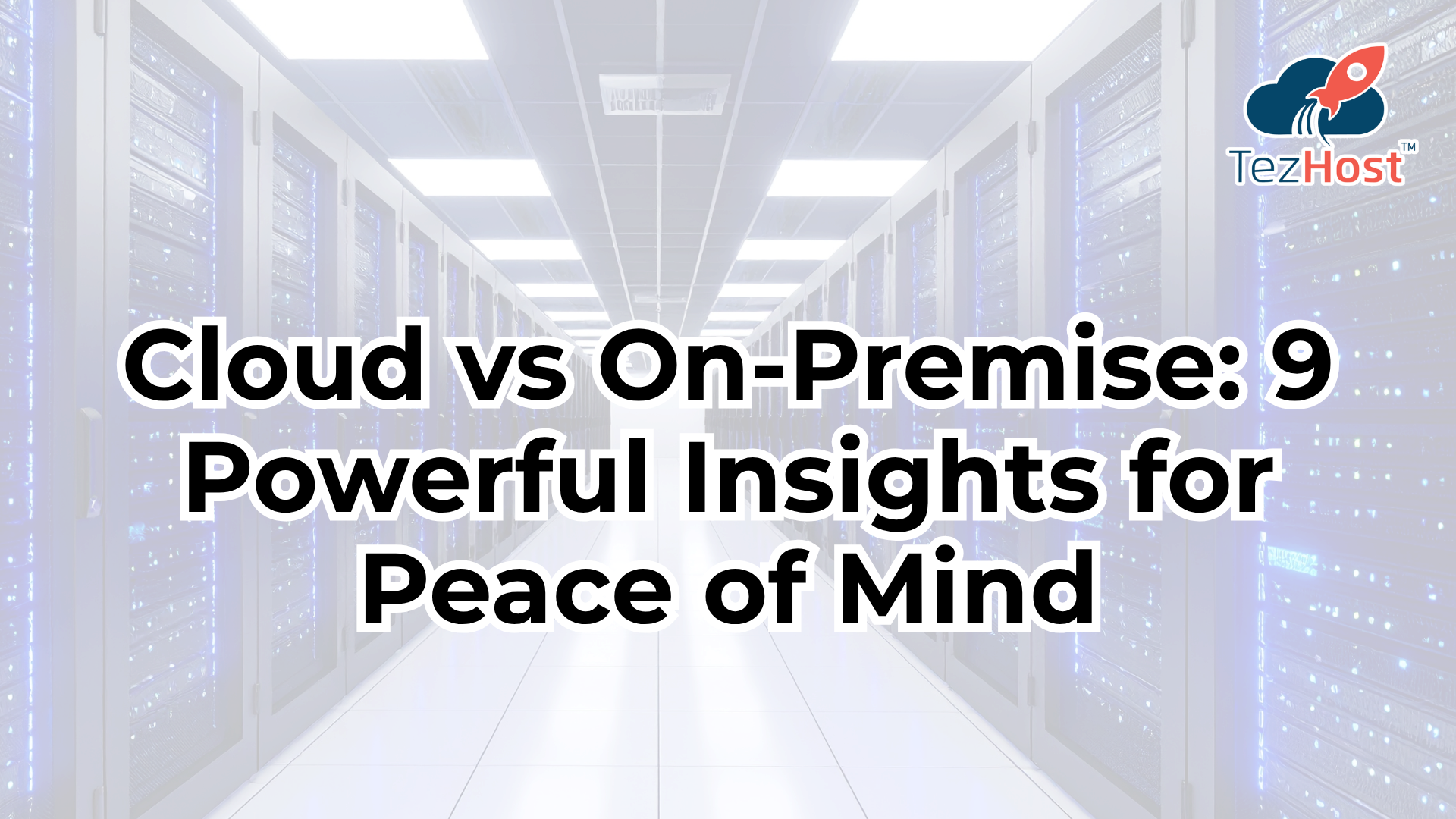
Cloud vs on-premise is an important comparison for businesses deciding where to run their applications, websites, databases, and business systems. Both infrastructure models have advantages, but the right choice depends on your budget, security requirements, technical expertise, and growth plans.
Cloud servers provide computing resources through a hosting provider, usually with flexible resource options. On-premises servers are installed and managed within an organisation\’s own facilities or data centre.
If you\’re exploring cloud infrastructure for your business, register with TezHost to get started. You can also talk to a TezHost sales agent to discuss your hosting requirements.
Let\’s compare the two approaches across nine important factors.
1. What Is the Difference Between Cloud and On-Premise Servers?
The main difference in the cloud vs on-premise comparison is where the infrastructure runs and who is responsible for maintaining it.
- Cloud servers: Computing resources are hosted in a provider\’s infrastructure and accessed over a network.
- On-premises servers: Physical servers are installed at an organisation\’s premises or within infrastructure it operates directly.
Cloud hosting generally reduces the need to purchase and maintain physical server hardware. On-premises infrastructure gives organisations more direct control over their physical environment and configuration.

For businesses exploring cloud server advantages, TezHost Cloud Servers provide an option to consider.
2. How Do Cloud and On-Premise Servers Compare in Cost?
Cloud vs on-premise costs differ mainly in how infrastructure is purchased, operated, and maintained.

Cloud services often use recurring payments based on selected resources. On-premises infrastructure typically requires upfront investment in hardware, networking, facilities, electricity, and ongoing maintenance.
| Cost Factor | Cloud Servers | On-Premises Servers |
|---|---|---|
| Initial investment | Often lower | Often higher |
| Hardware maintenance | Generally handled by the provider | Managed by the organisation |
| Payment model | Recurring or usage-based | Hardware purchase plus operating costs |
| Capacity upgrades | Often flexible | May require new hardware |
| Cost predictability | Depends on usage and pricing | Depends on hardware and operating expenses |
Which option is cheaper?
Cloud can be more affordable for businesses seeking to avoid large upfront hardware purchases. On-premises infrastructure may be cost-effective for predictable workloads over time, depending on utilisation, staffing, energy, and equipment costs.
Compare your total cost of ownership rather than looking at the initial price alone. For cloud pricing and resource options, explore TezHost Cloud Servers or speak with a sales agent.
3. Which Infrastructure Offers Better Scalability?
Scalability is one of the most important cloud server advantages. Cloud resources can often be upgraded or reduced without purchasing additional physical hardware.
On-premises infrastructure can also scale, but expansion may require purchasing servers, installing equipment, and increasing power and cooling capacity.

Is cloud hosting better for growing businesses?
Cloud hosting can be suitable for businesses with changing workloads, seasonal traffic, or plans for rapid growth. On-premises infrastructure may suit organisations that prefer fixed capacity and have the resources to expand their own facilities.
In a cloud infrastructure comparison, consider how quickly you need to add processing power, memory, storage, and network capacity.
Explore TezHost VPS Hosting for virtual server options or Cloud Servers for cloud infrastructure options.
4. Cloud vs On-Premise: Which Is More Secure?
Neither cloud nor on-premises infrastructure is automatically more secure. Security depends on configuration, access controls, patching, monitoring, encryption, and operational practices.
Cloud providers may supply infrastructure-level security features, while customers remain responsible for securing many aspects of their applications, accounts, and data. With on-premises servers, organisations have direct control but must also manage physical security, hardware, and system maintenance.

Is cloud hosting safe for business data?
Yes, cloud hosting can support secure business operations when appropriate controls are implemented. Businesses should evaluate encryption, backups, access management, compliance requirements, and the provider\’s security practices.
In any cloud vs on-premise decision, identify who is responsible for each security task before deployment.
5. Which Option Offers Better Performance?
Performance depends on hardware, workload, network connectivity, storage, and configuration—not simply whether a server is in the cloud or on-premises.
Cloud infrastructure allows businesses to select resources suited to their applications. On-premises servers can offer predictable performance when carefully configured and maintained.

Are cloud servers faster than on-premises servers?
Not necessarily. Cloud performance depends on the chosen resources, workload, and network conditions. On-premises performance depends on local hardware and system design.
For websites and applications, choose infrastructure that meets your CPU, RAM, storage, and traffic requirements. Businesses running WordPress can also explore TezHost Managed Hosting for WordPress.
6. How Easy Are Cloud and On-Premise Servers to Maintain?
Maintenance responsibilities are another major difference in the cloud vs on-premise comparison.
Cloud providers manage the underlying physical infrastructure, but customers may still need to maintain operating systems, applications, permissions, and backups depending on the service.
On-premises teams are generally responsible for physical hardware, replacements, power, cooling, and infrastructure maintenance in addition to their software responsibilities.

Does cloud hosting eliminate server maintenance?
No. It reduces the need to manage physical hardware directly, but software updates, security configuration, monitoring, and backups may remain the customer\’s responsibility.
Before choosing a service, clarify which tasks are included and which require your own technical team.
7. Which Infrastructure Is Better for Remote Access?
Cloud services are commonly accessed over the internet or private networks, making them useful for distributed teams and applications serving users in different locations.
On-premises systems can also support remote access through VPNs, secure gateways, and other networking arrangements, but these need to be configured and maintained.

Can employees access cloud servers from anywhere?
Generally, yes, provided they have network access and the appropriate permissions. Secure authentication and access policies are essential.
When evaluating cloud server advantages, consider employee locations, application requirements, network reliability, and the sensitivity of your data.
For website owners who need a hosting environment, explore TezHost cPanel Web Hosting.
8. What About Backups, Disaster Recovery, and Downtime?
Cloud vs on-premise disaster recovery depends on the systems and procedures an organisation puts in place.
Cloud environments may make it easier to provision replacement resources or maintain off-site backups. On-premises systems can also support robust recovery plans, but may require additional equipment and a separate recovery location.

Are cloud servers automatically backed up?
No. Backup availability depends on the service and configuration. Always confirm whether backups are included, how frequently they run, how long they are retained, and whether restoration has been tested.
A reliable disaster recovery plan should include:
- Regular backups stored separately from production systems.
- Access controls to protect backup data.
- Documented recovery procedures.
- Testing to verify that data can be restored.
- Clear recovery time and recovery point objectives.
These considerations are essential to a complete cloud infrastructure comparison.
9. How Do You Choose the Right Infrastructure for Your Business?
The right cloud vs on-premise solution depends on your operational needs, budget, security requirements, and internal expertise.
| Business Requirement | Option to Consider |
|---|---|
| Lower upfront hardware investment | Cloud |
| Flexible resource scaling | Cloud |
| Direct control over physical hardware | On-premises |
| Existing data centre and IT team | On-premises |
| Variable or seasonal workloads | Cloud |
| Specific physical or local infrastructure requirements | On-premises |
These are general guidelines, not universal rules. Hybrid infrastructure—which combines cloud and on-premises resources—can also be appropriate when businesses need both flexibility and direct control.

How should a business make its final decision?
Assess the total cost, performance needs, compliance obligations, security responsibilities, recovery requirements, and available IT expertise before selecting an infrastructure model.
If you\’re considering cloud infrastructure, review TezHost Cloud Servers and TezHost VPS Hosting to explore possible hosting options.
You can also contact a TezHost sales agent to discuss your project\’s requirements.
How TezHost Is Making Cloud Infrastructure More Accessible
Understanding cloud vs on-premise infrastructure is easier when businesses can explore practical hosting options that match their needs.

TezHost provides cloud server and hosting services that businesses can consider when moving workloads online or building new applications.
Cloud server options: TezHost Cloud Servers provide an option for businesses looking for configurable cloud infrastructure.

Virtual server flexibility: TezHost VPS Hosting offers virtual server hosting for projects requiring their own allocated server environment.
Website hosting choices: Businesses can explore cPanel Web Hosting and Managed WordPress Hosting for website-specific needs.

Domain registration: Companies starting a new project can also explore TezHost Domains to establish their online identity.

By offering different hosting options in one place, TezHost gives customers a way to explore infrastructure choices as their requirements evolve.
Need help choosing? Talk to a TezHost sales agent to discuss your intended workload, resource needs, and hosting options.
Frequently Asked Questions
1. What is the main difference between cloud and on-premise servers?
Cloud servers run on infrastructure hosted by a service provider, while on-premises servers are operated within an organisation\’s own facilities or directly managed environment.
2. Is cloud hosting cheaper than on-premise hosting?
Cloud hosting often requires less upfront investment. On-premises infrastructure may be economical for some predictable workloads, but hardware, electricity, maintenance, staffing, and replacement costs must be considered.
3. What are the biggest cloud server advantages?
Key advantages can include flexible scaling, reduced physical hardware management, faster resource provisioning, and access to provider-managed infrastructure.
4. Is on-premises hosting more secure?
Not automatically. Security depends on the organisation\’s controls, technical expertise, physical protection, monitoring, and maintenance. Both models require appropriate safeguards.
5. Can a business use cloud and on-premises servers together?
Yes. A hybrid model combines cloud resources with on-premises infrastructure, allowing organisations to distribute workloads according to their performance, security, and operational requirements.
6. Is cloud hosting suitable for small businesses?
Yes. Cloud hosting can help small businesses access server resources without purchasing and maintaining physical hardware. The right option depends on the workload, budget, and required level of management.
7. How do I choose between cloud servers and VPS hosting?
Consider your required resources, workload, scalability, management responsibilities, and budget. Compare the specific features and limits of each plan before choosing.
Conclusion: Making the Right Cloud Infrastructure Decision
The cloud vs on-premise decision comes down to control, cost, scalability, security, and operational requirements. Cloud infrastructure can provide flexibility and reduce the burden of maintaining physical hardware, while on-premises servers offer direct control over the environment.
Neither model is right for every business. Evaluate your workload, calculate total ownership costs, review security and compliance needs, and plan for backups and disaster recovery before committing.
TezHost offers cloud, VPS, and website hosting options for businesses exploring their infrastructure choices.
Ready to take the next step? Visit TezHost, explore Cloud Servers, or talk to a sales agent to discuss your hosting requirements.