Your domain name is more than a web address. It represents your business, connects customers to your website, and often powers your professional email accounts. If someone makes unauthorized changes to it, the consequences can include website downtime, disrupted emails, redirected visitors, and damage to your brand reputation.
Knowing how to protect domain from unauthorized changes is therefore essential for every website owner, business, and IT administrator.
The good news is that you don’t need an advanced cybersecurity setup to improve your domain’s protection. Features such as a domain lock feature, multi-factor authentication, restricted account access, and DNS monitoring can significantly reduce common risks.
If you’re planning to register a domain, register with TezHost and explore its domain services. Already managing a domain and unsure about its security settings? Talk to a TezHost sales agent for assistance.
Let’s look at seven practical ways to keep your domain under your control.
1. What Is a Domain Lock Feature, and Why Is It Important?
A domain lock feature is a registrar-level security setting that helps prevent unauthorized domain transfers. When enabled, it generally blocks standard transfer requests that could move your domain to another registrar without the required authorization.
For example, imagine someone attempts to transfer your business domain to another provider. If the applicable registrar lock is active, the transfer request should be blocked until the required unlocking and authorization steps are completed.
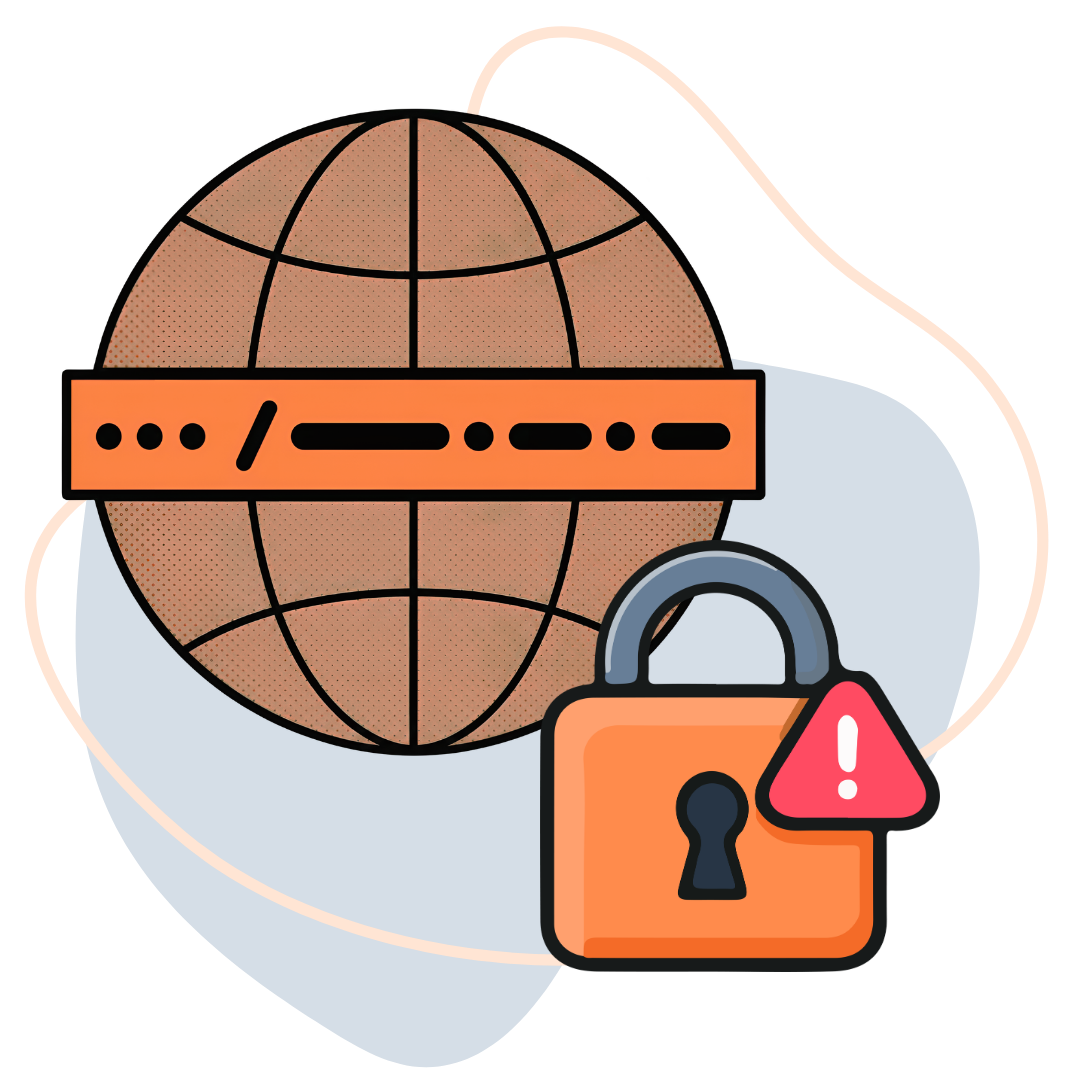
This is particularly important for businesses that depend on a domain for their website, email, customer portal, or online store.
What does a domain lock protect against?
- Unauthorized standard domain transfer requests.
- Accidental transfers during routine account management.
- Some attempts to move a domain without the owner’s approval.
However, a transfer lock is not a complete security solution. It does not necessarily prevent someone with access to your registrar account from changing DNS records, modifying contact details, or removing the lock.
To protect domain from unauthorized changes, keep the transfer lock enabled during normal operations and secure the account that controls it.
2. How Can You Secure Your Domain Registrar Account?
Your registrar account is the control center for your domain. Anyone who gains unauthorized access may be able to change important settings, depending on the account’s permissions and the registrar’s security controls.
Start by strengthening account access.
Use these domain security settings:
- Create a unique password: Avoid reusing passwords from email, social media, or other services.
- Enable two-factor authentication (2FA): Use an authenticator app or security key where supported.
- Secure your recovery email: Your registrar account’s recovery email should have strong authentication too.
- Limit administrator access: Give domain management permissions only to people who genuinely need them.
- Review login activity: Look for unfamiliar sessions, devices, or security notifications.
For businesses, shared administrator credentials create an additional risk. If several employees use the same login, identifying who made a change becomes difficult.
Where supported, create individual user accounts with appropriate permissions. This improves accountability and makes it easier to revoke access when an employee or contractor leaves.
These domain security settings are essential if you want to protect domain from unauthorized changes without making routine management unnecessarily complicated.
3. Can Unauthorized DNS Changes Affect Your Website?
Yes. Unauthorized DNS changes can redirect visitors to another website, interrupt email delivery, or make your online services unavailable.
DNS (Domain Name System) connects your domain name to the servers and services that handle your website and email. If someone changes your DNS records or nameservers without permission, your domain may stop directing visitors to the correct destination.
Some important DNS records include:
| DNS Record | Purpose |
|---|---|
| A | Points a domain to an IPv4 address |
| AAAA | Points a domain to an IPv6 address |
| CNAME | Creates an alias for another hostname |
| MX | Directs email to the appropriate mail servers |
| TXT | Stores verification and other text-based information |
| NS | Identifies the authoritative nameservers |
How can you protect your DNS settings?
- Restrict DNS management access to authorized users.
- Review A, AAAA, MX, CNAME, TXT, and NS records periodically.
- Remove outdated records that are no longer required.
- Monitor important DNS changes.
- Enable DNSSEC where supported and correctly configured.
DNSSEC (DNS Security Extensions) uses cryptographic signatures to help validate DNS responses and reduce certain spoofing and tampering risks.
It is important to understand that DNSSEC does not prevent an authorized account user from making malicious changes. It should be part of a wider security strategy, not a replacement for account protection.
If your priority is to protect domain from unauthorized changes, DNS monitoring and access restrictions deserve as much attention as the transfer lock.
4. How Can You Prevent Unauthorized Domain Transfers?
An unauthorized domain transfer can put control of your online identity at risk. A transfer moves domain registration management from one registrar to another, so the process should always be initiated and approved by the legitimate domain owner.
A domain transfer normally involves a few important elements:
- The domain must meet the applicable transfer eligibility requirements.
- The current registrar’s transfer lock may need to be disabled.
- An authorization code, commonly called an EPP or Auth-Code, may be required.
- The transfer request must go through the appropriate verification process.
How do you reduce the risk of an unauthorized transfer?
- Keep the domain locked unless you are intentionally transferring it.
- Never share your EPP/Auth-Code through an unverified email or message.
- Review transfer notifications carefully.
- Confirm unexpected requests directly with your registrar.
- Keep your registered contact information accurate.
If you genuinely want to move your domain, follow a verified process. Our guide explains how to transfer a domain to a new registrar, including the steps involved in unlocking a domain and obtaining its authorization code.
You can also explore TezHost’s domain transfer service if you are considering moving your domain.
Remember: unlocking a domain for a legitimate transfer is not the same as transferring ownership. It removes a transfer restriction so an authorized transfer can proceed.
5. Why Should You Monitor Domain Expiration and Contact Details?
An expired domain can become a serious security and business continuity problem. If you fail to renew it, your website and email services may be disrupted, and the domain could eventually become available for someone else to register.
To protect domain from unauthorized changes and accidental loss, monitor both its registration status and ownership information.
Follow these practical steps:
- Enable automatic renewal where available.
- Keep your payment method valid.
- Check that renewal payments have actually succeeded.
- Maintain an up-to-date administrative email address.
- Record expiration dates for every domain your business owns.
- Restrict access to domain contact and ownership settings.
Automatic renewal is useful, but it should not be your only safeguard. Payment failures, expired cards, billing issues, or outdated contact details can still cause problems.
For a better understanding of the risks, read What Happens If a Domain Expires?. It explains how expiration can affect website availability, email delivery, and domain ownership.
For businesses managing multiple domains, maintaining a central domain inventory is also a sensible practice. Record each domain, its registrar, expiration date, renewal status, and authorized administrator.
6. Is Domain Privacy Enough to Protect Your Domain?
No. Domain privacy and domain security serve different purposes. Privacy helps limit the public exposure of registration contact details where supported, while security focuses on preventing unauthorized access, transfers, and configuration changes.
For example, a privacy service may help prevent your personal contact information from appearing publicly in domain registration records. However, it does not stop someone from accessing your registrar account with stolen credentials.
Here is a simple comparison:
| Feature | What It Helps Protect |
|---|---|
| Domain privacy | Personal registration information |
| Domain transfer lock | Unauthorized standard transfer requests |
| Two-factor authentication | Unauthorized account access |
| DNS monitoring | Unexpected DNS configuration changes |
| Strong passwords | Registrar account credentials |
| Renewal management | Accidental domain expiration |
The strongest approach combines privacy with technical security controls.
If you want to explore the subject further, read our guide to domain name security, which covers additional ways to protect your online identity.
These measures work together to help protect domain from unauthorized changes while reducing the risk of losing control of your digital assets.
7. How Is TezHost Improving the Domain Registration and Management Experience?
TezHost is making domain management more accessible by bringing domain registration, DNS management, hosting services, and customer assistance together.
For businesses, managing a domain is not just about purchasing a web address. It also involves maintaining accurate registration details, configuring DNS records, tracking renewals, and understanding transfer procedures.
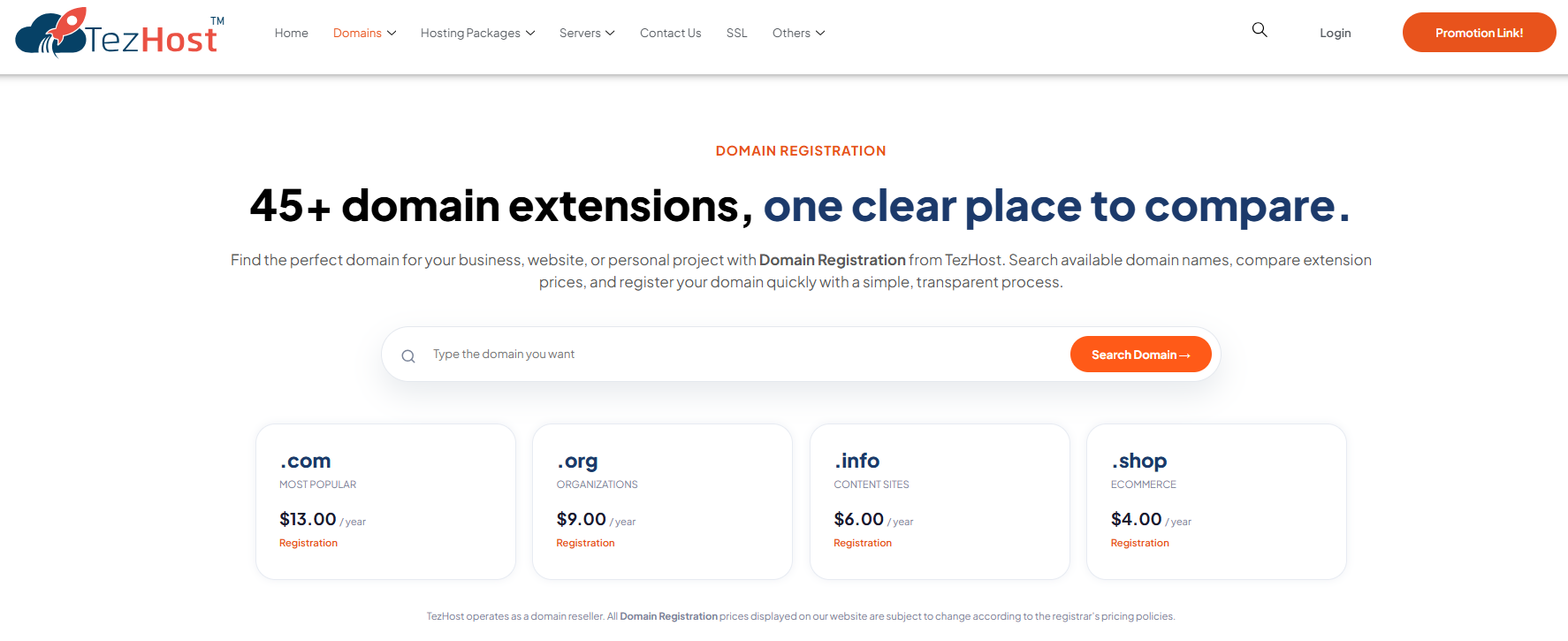
TezHost offers domain registration services with access to a range of domain extensions and management options. Customers can explore:
- Domain registration: Search for and register available domain names.
- DNS management: Manage important domain records and configurations.
- Domain privacy: Explore privacy protection where supported.
- Domain transfers: Move eligible domains to TezHost.
- Hosting solutions: Explore shared hosting, WordPress hosting, VPS, cloud, and dedicated servers.
- Customer assistance: Get help with domain and hosting-related questions.
You can explore the available options on the TezHost Domains page.
A More Connected Approach to Domain Management
Instead of treating domain registration as an isolated purchase, TezHost connects domain services with a wider hosting ecosystem. This gives customers the convenience of exploring their domains and hosting requirements through one provider.
For a new business, that may mean registering a domain and choosing a hosting plan as part of the same setup process. For an established business, it may mean transferring an existing domain and reviewing its DNS configuration.
However, customers should always verify which security features are available for their specific domain extension and account. A registrar’s transfer lock, DNS controls, privacy options, and authentication features can vary.
Want to discuss your domain requirements before registering or transferring? Speak with a TezHost sales agent.
You can also register your domain with TezHost or visit tezhost.com to explore its services.
Frequently Asked Questions About Domain Security
Does a domain lock prevent all unauthorized changes?
No. A domain lock generally prevents standard unauthorized transfer requests. It does not necessarily stop DNS changes, account compromise, or modifications made by someone with sufficient account permissions.
How do I know if my domain is locked?
Log in to your registrar account and open the domain management section. Look for a setting labelled Domain Lock, Registrar Lock, or Transfer Lock. The exact name and location depend on your provider.
Should I keep my domain locked all the time?
Yes, where the domain extension and registrar support it. Keep the lock enabled during normal operations and disable it only when you are intentionally initiating an authorized transfer.
Can someone change my DNS records without transferring my domain?
Yes. Someone with sufficient access to your registrar or DNS management account may be able to modify DNS records without transferring the domain to another registrar. This is why account security and DNS access restrictions are important.
What is an EPP or Auth-Code?
An EPP or Auth-Code is an authorization code used in many domain transfer processes. It helps verify that a transfer request is authorized. Keep it confidential and share it only through the legitimate transfer process.
Does SSL protect my domain from unauthorized changes?
No. SSL/TLS protects data exchanged between a website and its visitors through HTTPS. It does not prevent registrar account compromise, unauthorized domain transfers, or malicious DNS changes.
What should I do if I notice an unauthorized domain change?
Contact your registrar immediately through its official support channel. Secure your account, change compromised passwords, revoke unfamiliar sessions where possible, enable additional authentication, and investigate unexpected DNS or transfer changes. If your website or email is affected, contact the relevant hosting and email providers as well.
Conclusion: Make Domain Security a Business Priority
Your domain is one of your most important digital assets. Losing control of it can affect your website, business emails, customer relationships, and brand reputation.
The best way to protect domain from unauthorized changes is to combine several practical safeguards: enable the domain lock feature, secure your registrar account, restrict DNS access, monitor important settings, and keep renewal information updated.
Remember that a domain lock alone is not enough. Strong account authentication, careful access management, and regular monitoring are equally important.
Whether you are registering a new domain or managing an established business website, make security part of your routine.
Explore TezHost domain registration, register your domain, or talk to our sales team to discuss your requirements.
Secure your domain today. Protect the digital identity your business has worked hard to build.