Cheap domain and hosting services can help you launch a professional website with your own domain name for less than $300. You don’t need a massive budget, an expensive developer, or advanced coding skills to get started.
Here’s something worth thinking about.
What if the only thing stopping you from launching your business website is the belief that it costs too much?
Many entrepreneurs spend months planning their online presence because they assume building a website requires thousands of dollars.
But that isn’t necessarily true.
With affordable hosting, a custom domain, WordPress, and a little creativity, you can create a website that looks professional without draining your savings.
And we’re not talking about a free website with someone else’s branding in your address.
We’re talking about a website with your own domain name, your own content, and control over your online presence.
At TezHost, we believe getting online should be accessible to businesses of all sizes.
Whether you’re starting a blog, launching a portfolio, or creating your first business website, you can register with TezHost to explore affordable domain and hosting options.
Need help choosing the right plan? Talk to a TezHost sales agent before getting started.
Let’s build your website without breaking your budget.
1. Can You Really Build a Website with a Custom Domain for Under $300?
Yes. You can build a custom domain website under $300 by choosing affordable hosting, registering a reasonably priced domain, and using free website-building tools.
The secret isn’t cutting corners.
It’s knowing where to spend your money.
You don’t necessarily need premium themes, expensive plugins, or custom development for a basic business website.
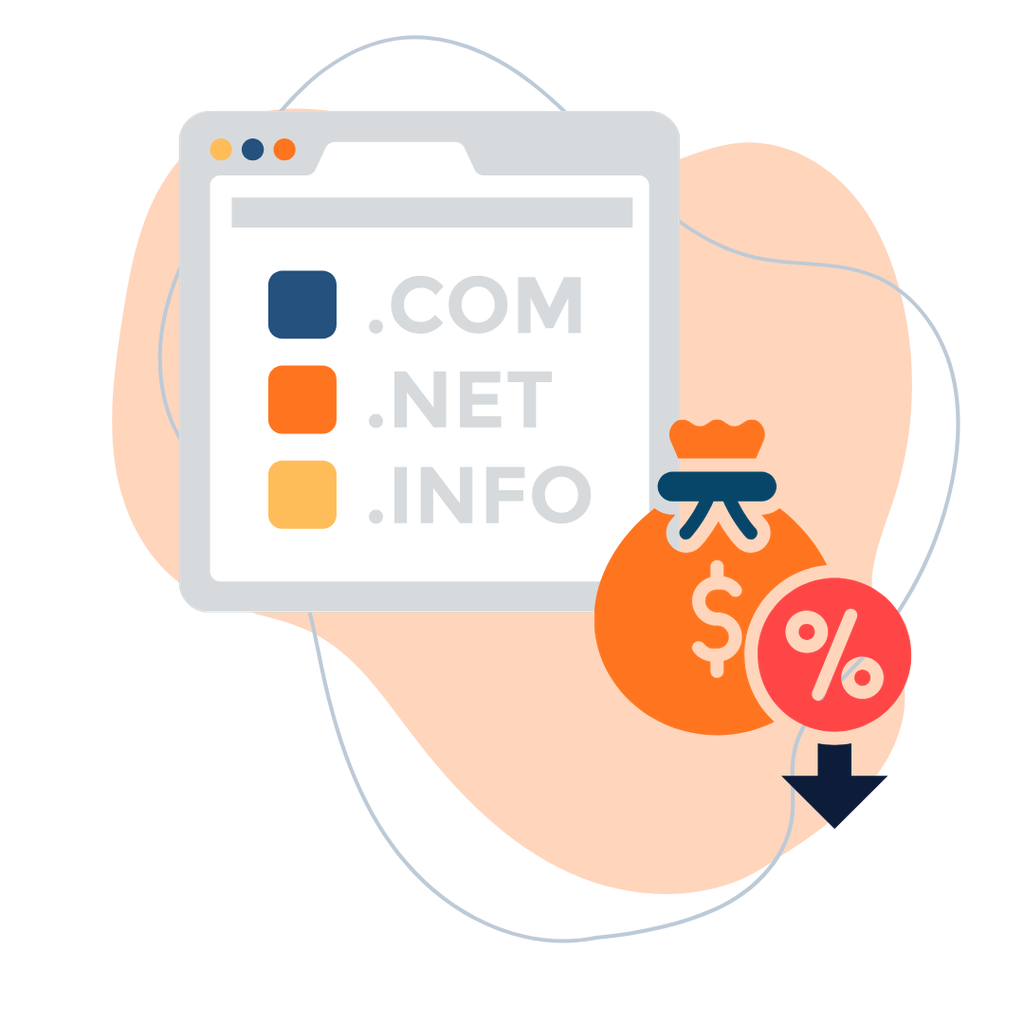
How Much Does a Budget Website Cost?
Here’s an illustrative first-year budget for a simple, self-built website.
| Website Expense | Estimated First-Year Cost |
|---|---|
| Custom Domain Name | $15 |
| Web Hosting | $60 |
| WordPress Software | $0 |
| Free WordPress Theme | $0 |
| Free Plugins | $0 |
| Logo and Basic Graphics | $20 |
| Optional Premium Tools | $40 |
| Basic Content and Design Assets | $30 |
| Contingency Budget | $35 |
| Estimated Total | $200 |
That leaves $100 within your $300 budget for additional requirements.
These are planning estimates, not guaranteed TezHost prices. Actual domain, hosting, renewal, tax, and optional service costs vary.
The example also assumes you’re building the website yourself. Hiring a designer or developer can significantly increase the cost.
The takeaway? A professional-looking website doesn’t have to come with a premium price tag.
For more guidance, read our Cheap Web Hosting Cost Guide.
2. How Do You Choose Cheap Domain and Hosting Services?
Choose cheap domain and hosting services by comparing total pricing, renewal costs, performance, security, customer support, and the resources included in each plan.
Your domain and hosting are the foundation of your website.
Think of your domain as your business address.
Your hosting is the space where your website lives.
You need both to establish a self-hosted website with a custom domain.

Choosing Your Domain Name
A good domain name should be:
- Short and memorable.
- Easy to spell.
- Relevant to your business.
- Suitable for your long-term brand.
- Available within your budget.
A .com domain is a popular choice, but other extensions may also suit your business.
Remember that registration and renewal prices can differ.
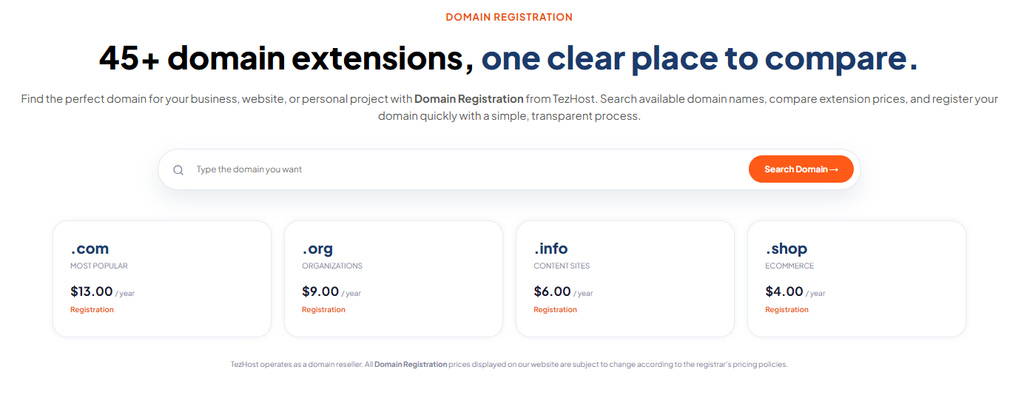
Explore TezHost Domain Registration to search for available names.
Choosing Your Hosting Plan
For a small website, shared hosting is often an affordable starting point.
Look for:
Reliable Performance: Hosting resources suitable for your website.
SSL/TLS Support: An option to secure connections to your website.
WordPress Compatibility: Support for your chosen content management system.
Customer Assistance: Access to technical support when required.
Transparent Pricing: Clear information about introductory and renewal charges.
Upgrade Options: The ability to move to a more suitable plan as your website grows.
Don’t choose a provider based on price alone.
Read our guide on Finding Cheap Hosting with Reliable Uptime and Speed.
Affordable hosting is valuable when it meets your needs—not simply because it has the lowest price.
3. What Are the 7 Steps to Build a Website for Under $300?
You can create a budget website setup in seven steps: choose a domain, purchase hosting, install WordPress, select a theme, create essential pages, configure basic security, and launch.
Here’s how.
Step 1: Register Your Custom Domain
Start with a domain name that represents your brand.
For example:
yourbusiness.com
A custom domain helps your business establish a recognizable online identity.

Before purchasing, check the domain’s availability, registration price, and renewal cost.
You can explore available domains with TezHost.
Step 2: Choose an Affordable Hosting Plan
Your hosting requirements depend on the type of website you’re building.
For a basic business website or blog, shared hosting may be sufficient.
If you’re planning a resource-intensive application, you may need a more powerful hosting solution.
Compare available options in our guide to Affordable Web Hosting in Pakistan.

Budget tip: Avoid paying for infrastructure your website doesn’t need yet.
Step 3: Install WordPress
WordPress is free, open-source website software.
It allows you to create and manage a website without writing everything from scratch.
Many hosting environments support straightforward WordPress installation.

Once installed, you can manage pages, posts, menus, images, and website settings from its dashboard.
Why WordPress?
Because it gives beginners flexibility without requiring a large software budget.
Step 4: Choose a Professional Free Theme
You don’t need an expensive theme to create a polished website.
WordPress offers free themes suitable for business websites, blogs, and portfolios.

Choose a theme that is:
- Mobile-friendly.
- Easy to navigate.
- Compatible with your plugins.
- Regularly maintained.
- Suitable for your brand.
Budget tip: Start with a free theme and upgrade only when you need specific premium features.
Step 5: Create Your Essential Website Pages
A beautiful website is useful only if visitors can understand what you offer.
Start with these pages:
Home: Introduce your business and its main value.
About: Explain who you are and what makes your business different.
Services or Products: Show visitors what you offer.
Contact: Make it easy for customers to reach you.
Privacy Policy: Explain relevant personal data practices.
Depending on your business, you may also need terms, refund policies, or other legal information.
Keep the design simple and focus on clear communication.
Step 6: Set Up Security and Basic SEO
Before launching, take care of the essentials.
Configure HTTPS using an appropriate SSL/TLS certificate.
Use strong passwords and keep WordPress, themes, and plugins updated.
Set up a suitable backup solution.

For SEO, focus on:
- Clear page titles.
- Relevant keywords.
- Descriptive URLs.
- Mobile-friendly layouts.
- Optimized images.
- Helpful website content.
You don’t need to purchase every premium SEO plugin to get started.
Good website structure and useful content can go a long way.
Step 7: Test and Launch Your Website
Before announcing your website, check that everything works.
Test your pages on mobile and desktop devices.
Make sure your contact forms work.
Check your navigation menus.
Review website loading performance.
Confirm that your domain points to the correct hosting environment.
And finally, publish!
Congratulations. You’ve taken your business from an idea to an online presence.
4. Can Cheap Domain and Hosting Still Deliver Good Performance?
Yes. Cheap domain and hosting services can deliver suitable performance for smaller websites when the hosting plan matches the site’s resource requirements.
Here’s an important distinction.
Affordable doesn’t automatically mean unreliable.
A small portfolio website doesn’t need the same infrastructure as a large ecommerce platform.
For many beginners, a well-configured shared hosting plan is enough.

However, website performance also depends on:
- Theme quality.
- Image optimization.
- Caching.
- Plugin usage.
- Server resources.
- Visitor traffic.
When Should You Upgrade?
Consider upgrading when your website consistently exceeds its hosting resources or requires capabilities unavailable on your current plan.
For example, a growing business might eventually explore VPS or cloud hosting.
You can learn more through our guides on VPS Hosting on a Budget and Affordable Cloud Server Hosting.
Start with what you need today. Upgrade when your business gives you a reason to.
5. What Are the Biggest Mistakes in a Budget Website Setup?
The biggest budget website mistakes include ignoring renewal costs, buying unnecessary premium tools, choosing unsuitable hosting, and overlooking security.
Here are five mistakes worth avoiding.

Mistake 1: Buying Too Many Premium Tools
A beginner website rarely needs dozens of paid plugins.
Start with essential functionality.
Mistake 2: Ignoring Renewal Prices
Some domains and hosting plans have different introductory and renewal prices.
Check both before purchasing.
Mistake 3: Choosing Hosting Based Only on Price
A low price won’t help if your website consistently struggles to perform.
Compare resources, support, and service terms.
Mistake 4: Overcomplicating the Design
Visitors care about finding information quickly.
A simple, clear website often serves them better than one filled with unnecessary effects.
Mistake 5: Forgetting About Maintenance
Launching is only the beginning.
Your website will need updates, backups, security checks, and occasional improvements.
A successful budget website isn’t the one with the most features. It’s the one that delivers what your customers need.
6. How Is TezHost Making Affordable Website Creation More Accessible?
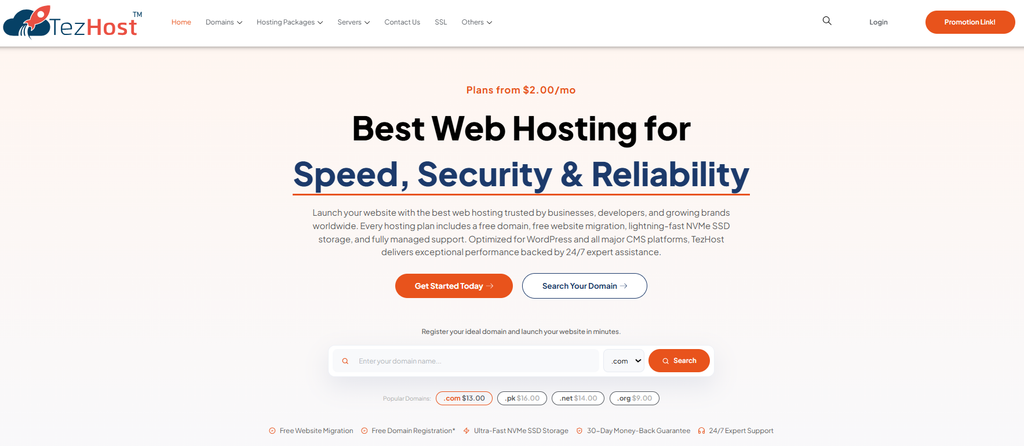
TezHost is helping entrepreneurs and small businesses establish their online presence by offering domain registration, affordable hosting options, and infrastructure for different stages of growth.
At TezHost, we understand that every business starts somewhere.
Sometimes, it starts with a big investment.
But often, it starts with one person, one idea, and a limited budget.
And that shouldn’t prevent someone from getting online.
Affordable Hosting Options
TezHost offers hosting services for different budgets and technical requirements.
Beginners can explore shared and WordPress hosting, while businesses with more demanding workloads can consider VPS, cloud, or dedicated solutions.
Domain Registration and Hosting Together
A business website needs a recognizable domain name and a suitable hosting environment.
TezHost provides both services, allowing customers to explore their website infrastructure needs through one provider.
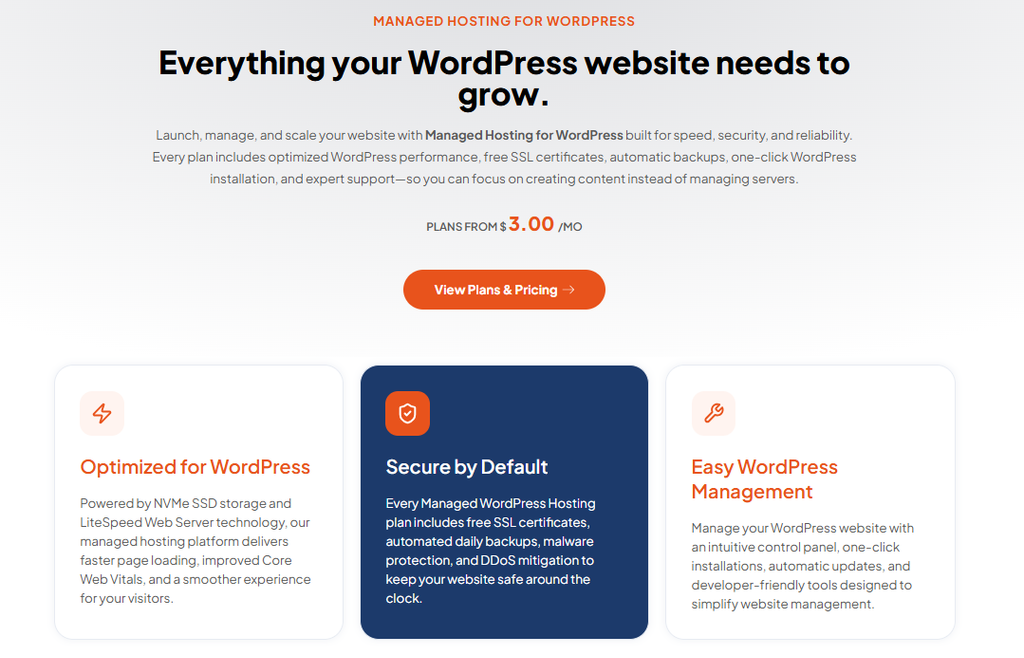
WordPress-Friendly Hosting
WordPress is a popular choice for budget-conscious website owners.
TezHost offers WordPress hosting options for customers who want to build and manage WordPress websites.
Support for Different Business Stages
Your hosting needs may change as your website grows.
TezHost offers different hosting configurations so customers can explore suitable upgrades when required.
Customer-Focused Assistance
Not sure whether you need shared hosting, WordPress hosting, or a VPS?
Our sales team can help you understand available options.
The TezHost approach is simple: Make it easier for businesses to get online without assuming every project needs an expensive infrastructure setup.
Ready to Build Your Website?
Explore TezHost Hosting Solutions and find options suited to your requirements.
Need help selecting a domain and hosting plan?
Talk to a TezHost sales agent before purchasing.
7. Can You Make Money from a Website Built for Under $300?
Yes. A website built for under $300 can support revenue-generating activities, although earning money depends on your business model, audience, and execution.
A budget website can become much more than an online brochure.

You might use it to:
Sell Services: Promote consulting, design, writing, or other professional services.
Generate Leads: Encourage visitors to contact your business.
Publish Content: Build a blog around a topic you understand.
Promote Digital Products: Sell downloadable resources or educational materials.
Explore Affiliate Marketing: Recommend relevant products or services and earn commissions on qualifying referrals.
For example, TezHost offers an affiliate program for people interested in promoting eligible hosting services.
Explore the TezHost Affiliate Program to review available program information and terms.
The opportunity isn’t simply to build a cheap website. It’s to build something useful that can grow into a business asset.
Frequently Asked Questions About Cheap Domain and Hosting
Can I Create a Website with a Custom Domain for Under $300?
Yes. A basic self-built website can cost less than $300 in its first year when you use affordable hosting, a reasonably priced domain, WordPress, and free design tools.
What Is the Cheapest Way to Build a Professional Website?
One affordable approach is to combine shared hosting, a custom domain, WordPress, and a free theme.
Actual costs depend on your requirements.
Do I Need Coding Skills to Build a Website?
No. WordPress and other website-building tools allow beginners to create many types of websites without advanced coding skills.
Is Cheap Web Hosting Good for Small Businesses?
It can be. Affordable shared hosting is often suitable for smaller websites when the plan provides sufficient resources and appropriate support.
Do I Need to Buy a Premium WordPress Theme?
No. Many websites can begin with a free, well-maintained WordPress theme.
Can I Upgrade My Hosting Later?
Usually, yes. Upgrade options depend on your provider and current hosting service.
Is a Domain Name Included with Hosting?
Sometimes. Some hosting plans include a domain registration promotion, while others require a separate purchase.
Always confirm the current offer and renewal terms.
Can TezHost Help Me Start a Website on a Budget?
Yes. TezHost provides domain registration and different hosting options. Its sales team can help you explore services suitable for your requirements.
Contact TezHost Sales for assistance.
Conclusion: Your Dream Website Doesn’t Need a Dream Budget
Cheap domain and hosting services can make launching a professional website more affordable than you might expect.
You don’t need thousands of dollars to establish an online presence.
You need a good domain name.
Suitable hosting.
A simple, professional design.
Helpful content.
And the willingness to get started.
The key is to invest in what matters and avoid unnecessary expenses.
With a thoughtful budget website setup, you can create a website that represents your business while keeping your first-year costs under control.
At TezHost, we believe small beginnings can lead to big opportunities.
Your Business Idea Deserves a Website. Why Keep Waiting?
Stop putting your online presence on hold because you think building a website is too expensive.
Whether you’re launching a startup, creating a portfolio, or bringing your small business online, explore affordable domain and hosting options that match your goals.
Find your perfect domain:
Explore TezHost Domains
Compare affordable hosting:
Discover TezHost Web Hosting
Ready to get started?
Register with TezHost
Need help building your website within your budget?
Talk to a TezHost Sales Agent
Your next big business opportunity could begin with a website that costs less than $300.