Cloud disaster recovery is the process of restoring business systems, applications, and data after an event makes them unavailable, damaged, or compromised. For businesses that depend on websites, databases, customer portals, and online transactions, a recovery plan is not optional housekeeping. It is part of keeping operations running.
Cloud backup and recovery can help protect information by keeping recoverable copies outside the primary production environment. But buying a cloud server does not automatically mean your data is backed up or that your business can recover quickly.
If you are planning to launch or upgrade your infrastructure, you can register with TezHost to explore cloud server options. You can also talk to a TezHost sales agent about your workload and infrastructure requirements.
1. What Is Cloud Disaster Recovery?
Cloud disaster recovery is a planned process for restoring data, applications, and IT services after incidents such as hardware failure, accidental deletion, ransomware, software corruption, or a data centre outage.
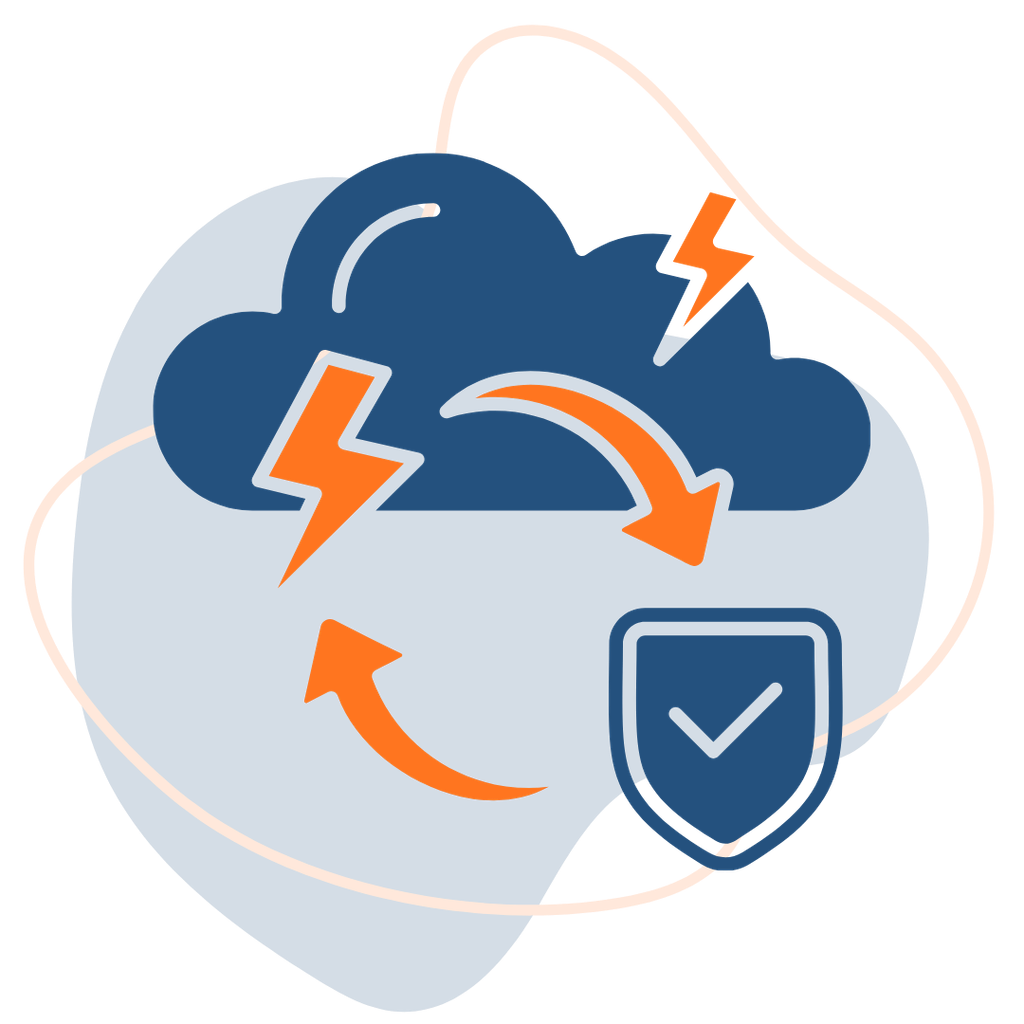
It usually combines several technologies and procedures:
- Backups that preserve recoverable copies of files, databases, and system data.
- Snapshots that capture a server or storage state at a particular point in time.
- Replication that copies data or workloads to another system.
- Recovery infrastructure where applications can be restored or restarted.
- Documented procedures that tell teams what to recover and in what order.
Cloud backup and recovery is one part of the wider disaster recovery plan. A backup protects a copy of information; disaster recovery addresses how the business restores the systems and services that use it.
A cloud disaster recovery policy should define the people, systems, and recovery steps required to bring critical services back online.
2. How Do Cloud Servers Handle Data Backup and Recovery?
Cloud servers can be protected using scheduled backups, snapshots, replication, and off-site storage. The exact options depend on the hosting provider, server configuration, operating system, and backup service selected.

A typical workflow looks like this:
- A backup schedule defines which files, databases, and server data are protected.
- The backup system creates a full or incremental copy.
- The copy is stored separately from the production data.
- Retention rules determine how long each recovery point is kept.
- If data is lost or corrupted, an administrator selects a suitable recovery point.
- The data or server is restored and checked before normal operations resume.
Data backup in the cloud can protect against local hardware failure, accidental deletion, and some security incidents, particularly when backup copies are isolated from the production environment. For that reason, cloud backup and recovery should be treated as a planned service, not an assumption.
However, businesses should confirm what is included in their hosting plan. For example, TezHost cloud server plans list backups as optional, so customers should select and configure an appropriate backup arrangement rather than assume every server is automatically backed up. Review the TezHost Cloud Servers page and confirm the current options before deployment.
3. What Is the Difference Between Backup, Snapshot, and Replication?
These terms are related, but they solve different problems. A sound cloud disaster recovery strategy may use more than one.
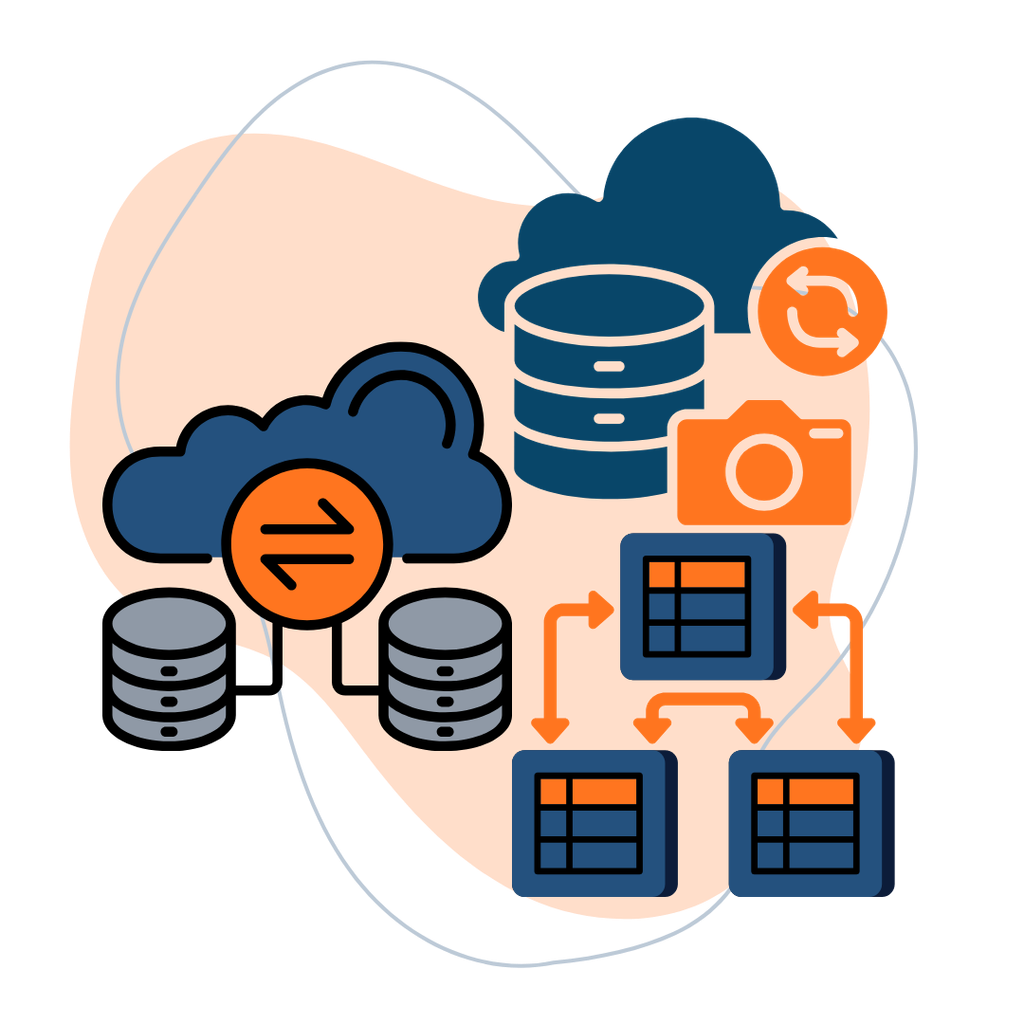
Backup: A separate copy of selected data, retained so it can be restored later. Backups are useful for recovering deleted files, earlier database states, or data affected by corruption.
Snapshot: A point-in-time capture of a disk, volume, or server state. Snapshots can make restoration faster, but they may depend on the same storage platform and should not be treated as the only backup.
Replication: Copies data from one system to another, often continuously or at frequent intervals. It can reduce recovery time, but it may also copy accidental deletion or corrupted data to the replica.
This is why cloud backup and recovery should include independent backup copies, suitable retention, and tested restoration—not just replication.
4. Which Backup Strategy Should a Business Use?
The right approach depends on how much data the business can afford to lose, how quickly services must return, and how frequently information changes.
A cloud disaster recovery strategy should define what must be protected first. The 3-2-1 backup principle is a useful starting point:
- Keep at least three copies of important data.
- Store copies on at least two different types of media or storage.
- Keep at least one copy off-site or isolated from the primary environment.
For stronger protection, businesses may also use immutable backups, which cannot be modified or deleted during a defined retention period, and offline copies that are disconnected from normal network access.
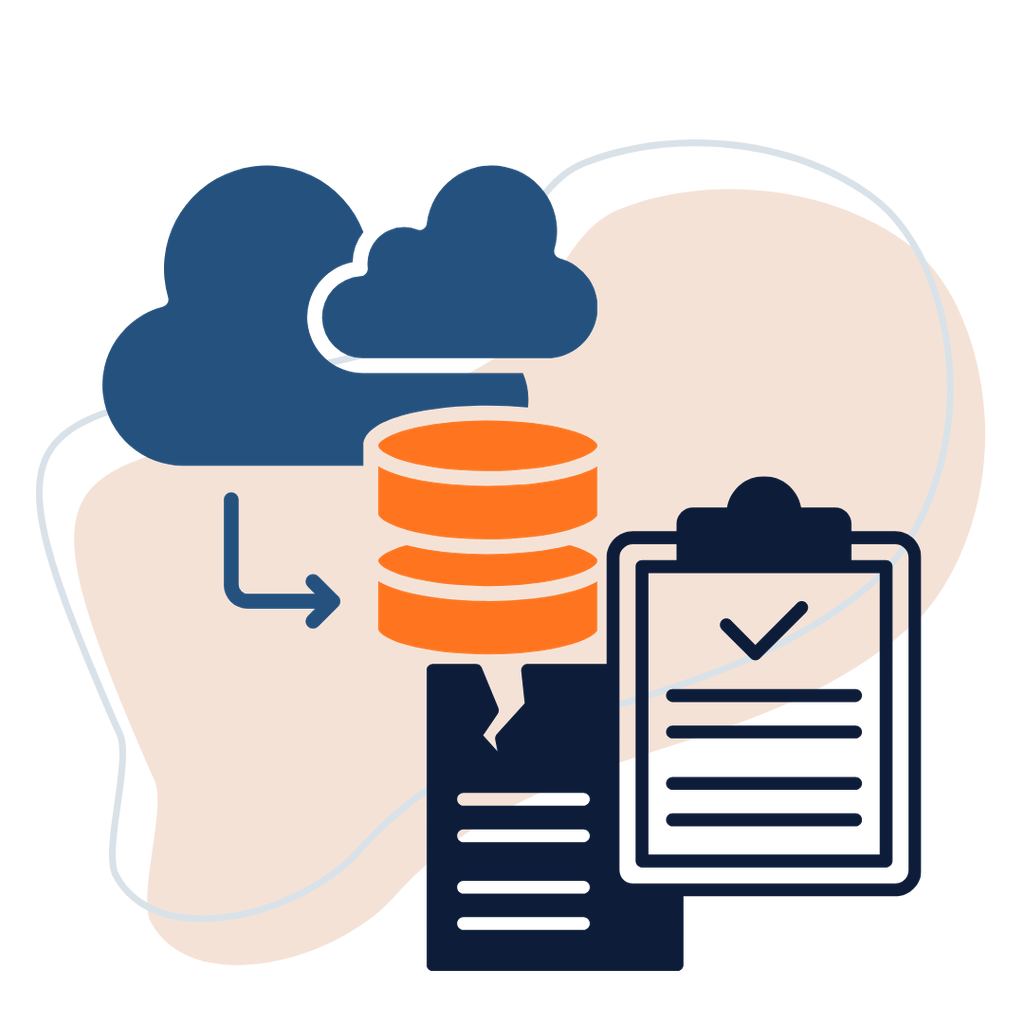
Data backup in the cloud should cover more than website files. Include every dataset required to rebuild the business service, not just the visible website content.
Consider databases, application configuration, uploaded documents, email data where applicable, encryption keys, and system settings required to rebuild the service.
For sensitive workloads, review access permissions, encryption, retention policies, and applicable regulatory requirements. Our guide to protecting sensitive data in the cloud explains why cloud security requires more than simply choosing a hosting plan.
5. How Often Should Cloud Data Be Backed Up?
There is no single schedule that suits every business. Backup frequency should reflect how much recent data the business can tolerate losing.
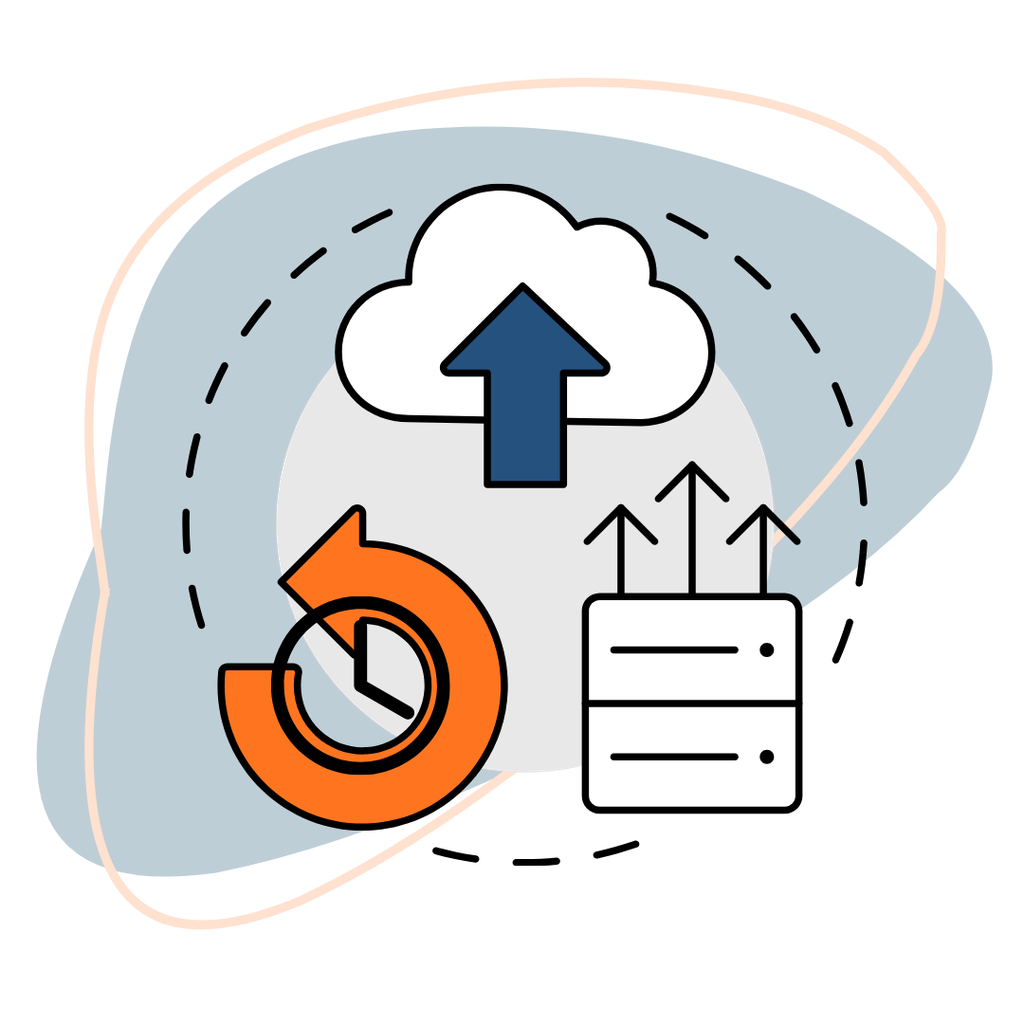
Two important measurements help define the requirement:
Recovery Point Objective (RPO): The maximum acceptable amount of data loss, measured in time. An RPO of one hour means the business aims to restore data to a point no more than one hour before the incident.
Recovery Time Objective (RTO): The target time for restoring a system or service after disruption. An RTO of four hours means the business aims to bring the service back within four hours.
For example, an online store processing orders throughout the day may need more frequent database backups than a brochure website that changes only once a week.
Cloud disaster recovery requirements should guide the schedule. Cloud backup and recovery schedules should therefore be based on business impact, data change rate, storage capacity, and recovery cost. Document the RPO and RTO for each critical application rather than applying one schedule to every server.
6. How Do You Recover Data After a Cloud Server Failure?
The recovery process depends on the cause of the failure and the type of backup available.
A practical recovery sequence is:
- Identify the incident and determine which systems or datasets are affected.
- Contain the issue, especially if malware or unauthorized access is suspected.
- Select a clean recovery point from before the incident.
- Restore the required files, database, or server to a controlled environment.
- Check file integrity, database consistency, application functionality, and access controls.
- Redirect traffic or reconnect users only after validation.
- Monitor the restored environment and document the incident.
A cloud disaster recovery plan should also identify who has authority to approve restoration, where backup credentials are stored, and how teams communicate during an outage.
Do not overwrite the only clean backup while investigating an incident. If ransomware is suspected, isolate affected systems and involve qualified security personnel before restoring data.
For more on service interruptions and their business impact, read What Happens If a Cloud Provider Goes Down?.
7. Does Cloud Hosting Automatically Guarantee Disaster Recovery?
No. Cloud hosting does not automatically guarantee backups, instant failover, or zero data loss.
A cloud server can remain reliable for everyday workloads and still require a separate recovery design. Hardware redundancy may reduce some infrastructure risks, but it does not replace backups. Likewise, a second server does not provide meaningful disaster recovery unless data, network routing, application dependencies, and recovery procedures are configured and tested.
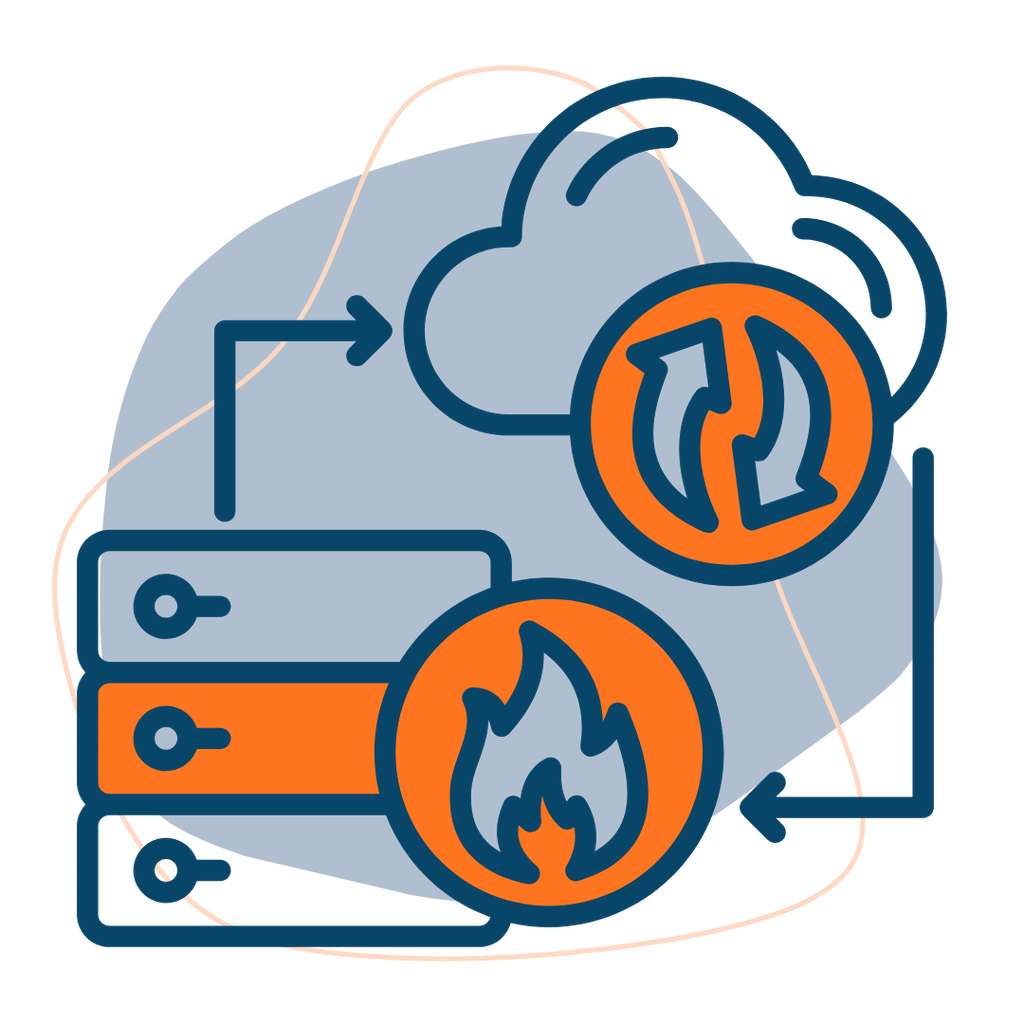
Our article on cloud server reliability explains why uptime depends on architecture, monitoring, infrastructure, and operational safeguards.
Businesses with both local and cloud systems may also consider a hybrid infrastructure setup. This can place selected workloads or recovery resources in a separate environment, but the connection and failover process still need to be designed.
8. How TezHost Supports Cloud Infrastructure for Business Continuity
Cloud disaster recovery starts with choosing infrastructure that fits the workload and then building an appropriate backup and recovery plan around it.
TezHost cloud servers are listed with AMD EPYC processors, DDR5 memory, Gen4 NVMe SSD storage, root access, dedicated IP addresses, free data migration, and Linux and Windows support. The published plans start at $17 per month and include 20TB monthly bandwidth. Backups are shown as optional, so businesses should confirm the available backup options and select the protection they need.
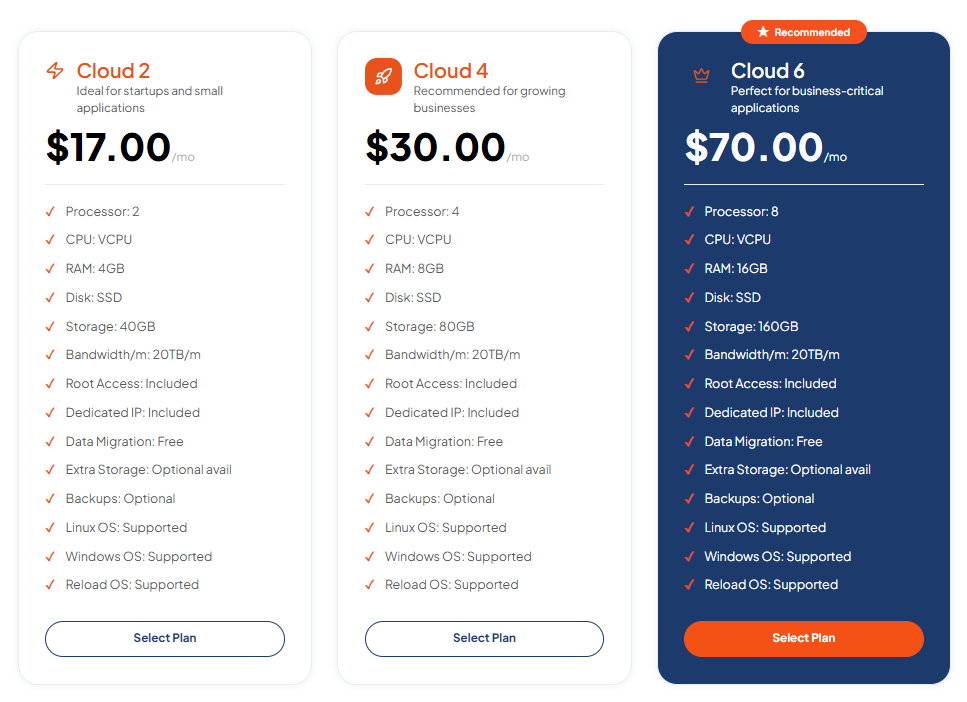
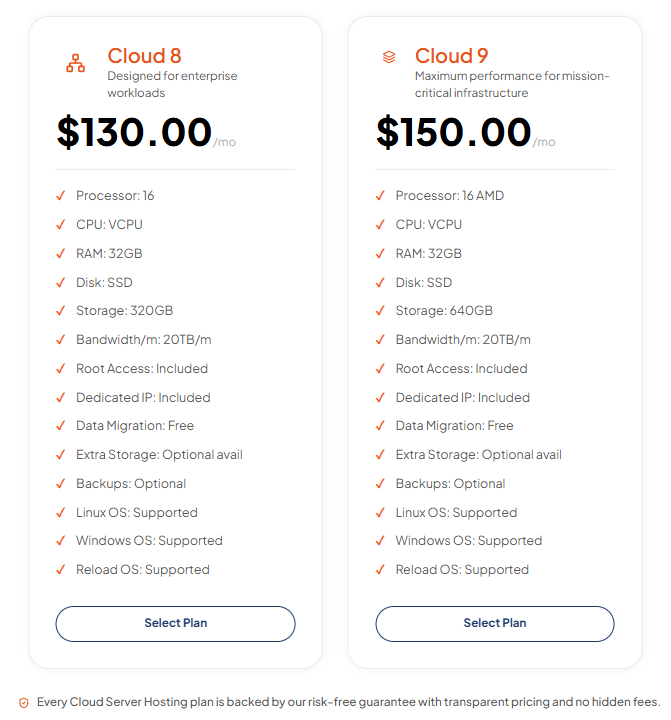
This gives customers a range of server configurations for websites, business applications, development environments, and other workloads. The server itself is only one part of continuity planning: customers must also consider backup frequency, storage location, access controls, restoration testing, and recovery targets.
TezHost’s approach is to provide configurable cloud resources while allowing customers to choose infrastructure according to their technical requirements. For businesses planning cloud backup and recovery, the next step is to discuss the workload, required storage, operating system, and backup expectations before deployment.
Explore TezHost Cloud Servers, register here, or talk to a sales agent to discuss your requirements.
9. How Can You Test a Cloud Disaster Recovery Plan?
A backup is only useful if it can be restored. Testing should be part of the operating process, not something performed for the first time during an emergency.
At minimum, businesses should:
- Restore selected files and verify that they open correctly.
- Restore databases and check consistency.
- Test whether applications start and connect to required services.
- Measure the actual recovery time against the RTO.
- Confirm the restored data meets the RPO.
- Check that backup accounts and credentials are accessible to authorized staff.
- Record the test results and correct any gaps.
A periodic recovery exercise can reveal missing configuration files, expired credentials, insufficient storage, or dependencies that were not included in the backup.
Cloud backup and recovery should be reviewed whenever the business changes its applications, data volumes, infrastructure, or compliance requirements. A cloud disaster recovery exercise should confirm that the documented process still works.
Frequently Asked Questions About Cloud Disaster Recovery
Are cloud backups automatic?
Not always. Automatic backups depend on the provider, plan, and backup service selected. Check the service terms and control panel to confirm whether backups are included, optional, or need to be configured separately.
Can cloud backups protect against ransomware?
They can help, especially when backup copies are isolated, immutable, or offline. If backups remain accessible with the same compromised credentials as production systems, ransomware may affect them too.
How long does cloud data recovery take?
It depends on the amount of data, backup location, network throughput, storage performance, and restoration method. A small file restore may take minutes, while rebuilding a large database or application environment can take much longer.
Is replication better than backup?
No. Replication helps maintain a copy of current data, but it may reproduce deletions or corruption. Backups provide historical recovery points. Many businesses need both.
Should small businesses use cloud disaster recovery?
Yes. Small businesses also depend on customer records, websites, orders, and financial information. Their plan may be simpler, but it should still define backup frequency, retention, access, and restoration procedures.
Conclusion: Prepare for Recovery Before an Incident Happens
Cloud disaster recovery is not simply about storing another copy of your files. It is about making sure your business can restore its data, applications, and essential services when something goes wrong.
A practical plan combines independent backups, suitable retention, security controls, clear RPO and RTO targets, and regular restoration tests. Cloud backup and recovery can reduce the impact of hardware failure, human error, cyberattacks, and service disruptions—but only when the system is configured and maintained properly.
If your business is planning to deploy or upgrade cloud infrastructure, explore TezHost Cloud Servers, register with TezHost, or speak with our sales team about your requirements.
Protecting business data starts with a recovery plan you have actually tested.