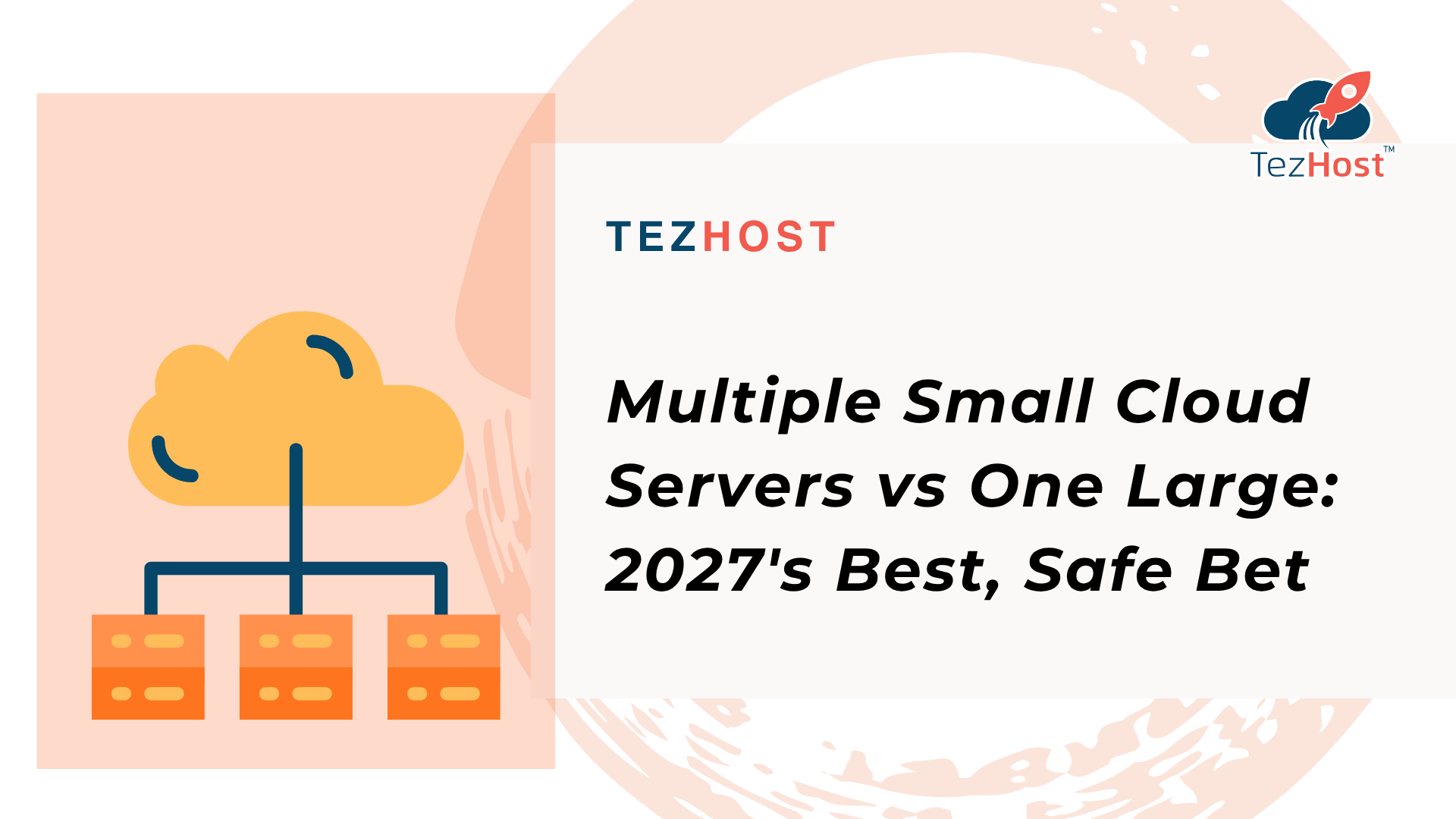
Multiple small cloud servers vs one large is a decision that can shape your application’s performance, reliability, operating costs, and ability to scale. Should you distribute your workload across several smaller cloud servers, or put everything on one powerful machine?
The answer depends on what you’re running, how your application handles traffic, and how much infrastructure complexity your team can manage.
For startups, SaaS platforms, ecommerce businesses, and developers planning infrastructure upgrades, choosing the right cloud capacity strategy can prevent unnecessary spending and performance bottlenecks.
If you’re planning your next infrastructure upgrade, register with TezHost to explore cloud hosting options. You can also talk to a TezHost sales agent to discuss your requirements.
Let’s compare both approaches.
1. Multiple Small Cloud Servers vs One Large: What’s the Difference?
The main difference is how computing resources are distributed.
Multiple small cloud servers divide workloads across separate server instances. Each server can handle a particular application component, service, or portion of incoming traffic.
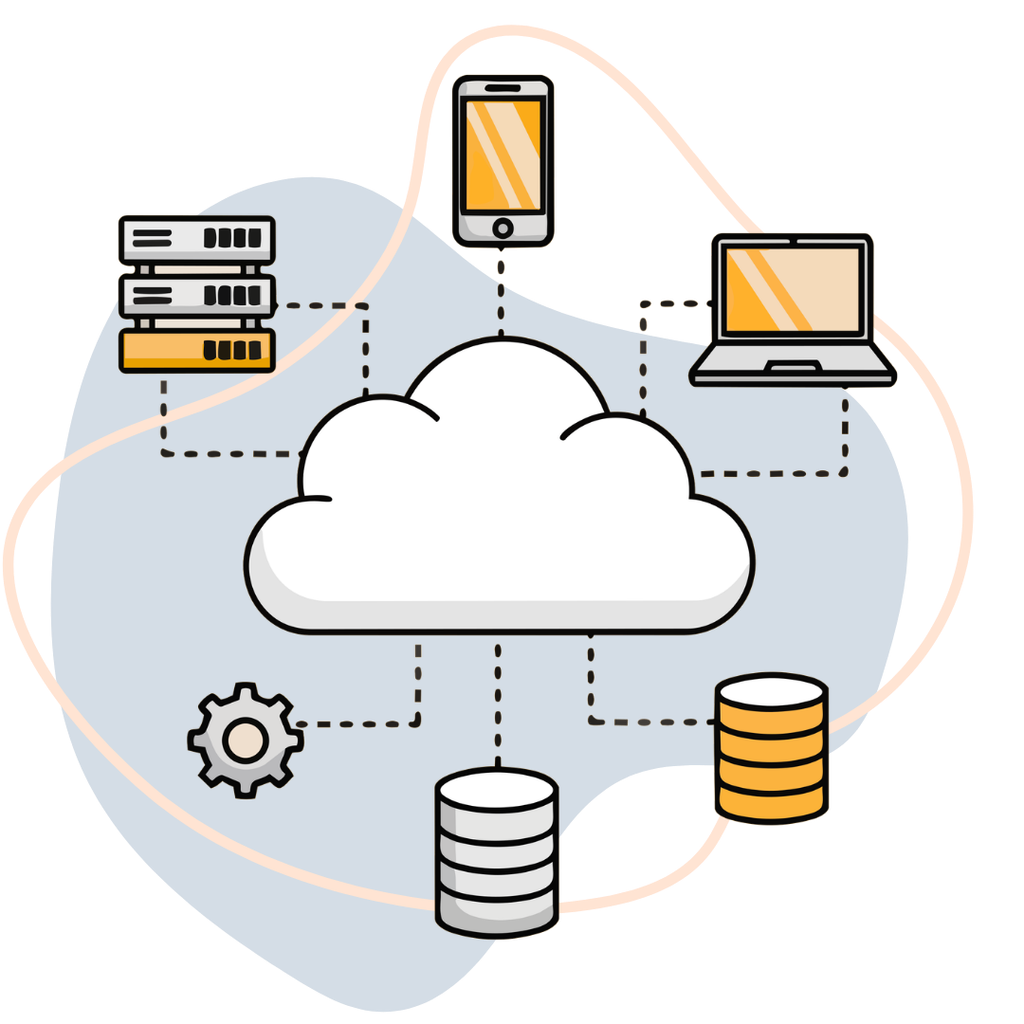
One large cloud server combines more CPU, RAM, and storage resources into a single machine. Your application runs within one larger environment instead of being distributed across multiple instances.
For example, imagine an application requires eight virtual CPUs and 16GB of RAM.
You could use:
- One server with 8 vCPU and 16GB RAM.
- Two servers with 4 vCPU and 8GB RAM each.
- Four servers with 2 vCPU and 4GB RAM each.
These configurations provide a similar theoretical resource total, but they do not deliver identical performance. Network communication, application architecture, storage, database access, and load balancing all influence the outcome.
The important point is that more servers do not automatically mean better performance.
2. When Are Multiple Small Cloud Servers Better?
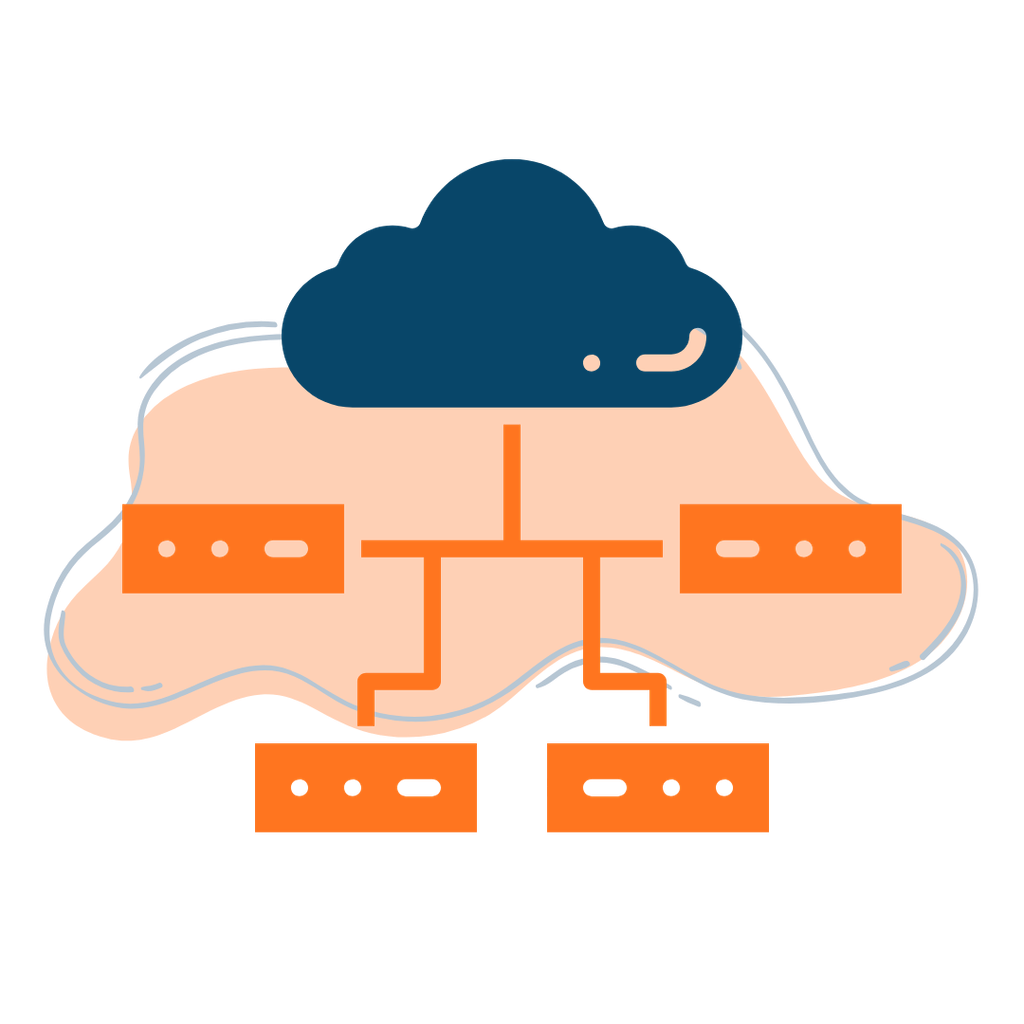
Multiple smaller servers are often a better choice when your application needs horizontal scaling, workload separation, or greater infrastructure flexibility.
This approach allows you to add server instances as demand increases instead of continuously upgrading one machine.
Consider these advantages:
Horizontal Scalability
Horizontal scaling means adding more server instances to distribute workloads.
For example, an ecommerce platform experiencing increased traffic during a seasonal sale can add application servers to handle more requests.
Instead of upgrading one machine repeatedly, you distribute incoming traffic across multiple instances using a load balancer.
Better Workload Isolation
Different services can operate on separate servers.
For example:
- Server 1: Web application.
- Server 2: Database.
- Server 3: Background processing.
- Server 4: Caching or supporting services.
This separation helps prevent one resource-intensive service from consuming all available resources on the same machine.
Improved Fault Isolation
If one application server experiences a problem, other instances may continue operating.
However, this does not automatically guarantee high availability. Your application needs proper redundancy, health checks, load balancing, and resilient database architecture.
Flexible Resource Allocation
You can scale specific components instead of upgrading the entire infrastructure.
If background processing requires more CPU but your web application does not, you can allocate additional capacity where it is actually needed.
Best suited for: SaaS platforms, microservices, high-traffic applications, distributed workloads, and businesses with changing traffic patterns.
3. When Is One Large Cloud Server the Better Choice?
A single large cloud server can be a smarter option when your workload is predictable, tightly coupled, or difficult to distribute.
Not every application needs a distributed architecture.
A larger server offers several practical advantages:
Simpler Infrastructure Management
One server means fewer instances to configure, monitor, patch, and maintain.
For small development teams, this can reduce operational overhead and make troubleshooting easier.
Lower Architectural Complexity
Applications that rely heavily on local processes, shared memory, or tightly coupled components may work better on one larger machine.
You also avoid introducing unnecessary network communication between application components.
Easier Resource Management
CPU, RAM, and storage are managed within one environment.
You don’t necessarily need to configure load balancers, service discovery, inter-server communication, or distributed monitoring.
Potentially More Predictable Costs
A single server may offer a straightforward monthly cost, especially when the workload is stable.
However, compare the complete infrastructure cost rather than assuming one server is always cheaper. Multiple smaller servers can introduce additional costs for networking, storage, backups, monitoring, and management.
Best suited for: Small and medium-sized applications, development environments, traditional websites, monolithic applications, and workloads with predictable resource requirements.
4. Multiple Small Cloud Servers vs One Large: Technical Comparison
Your infrastructure decision should consider more than the total number of CPU cores or gigabytes of RAM.
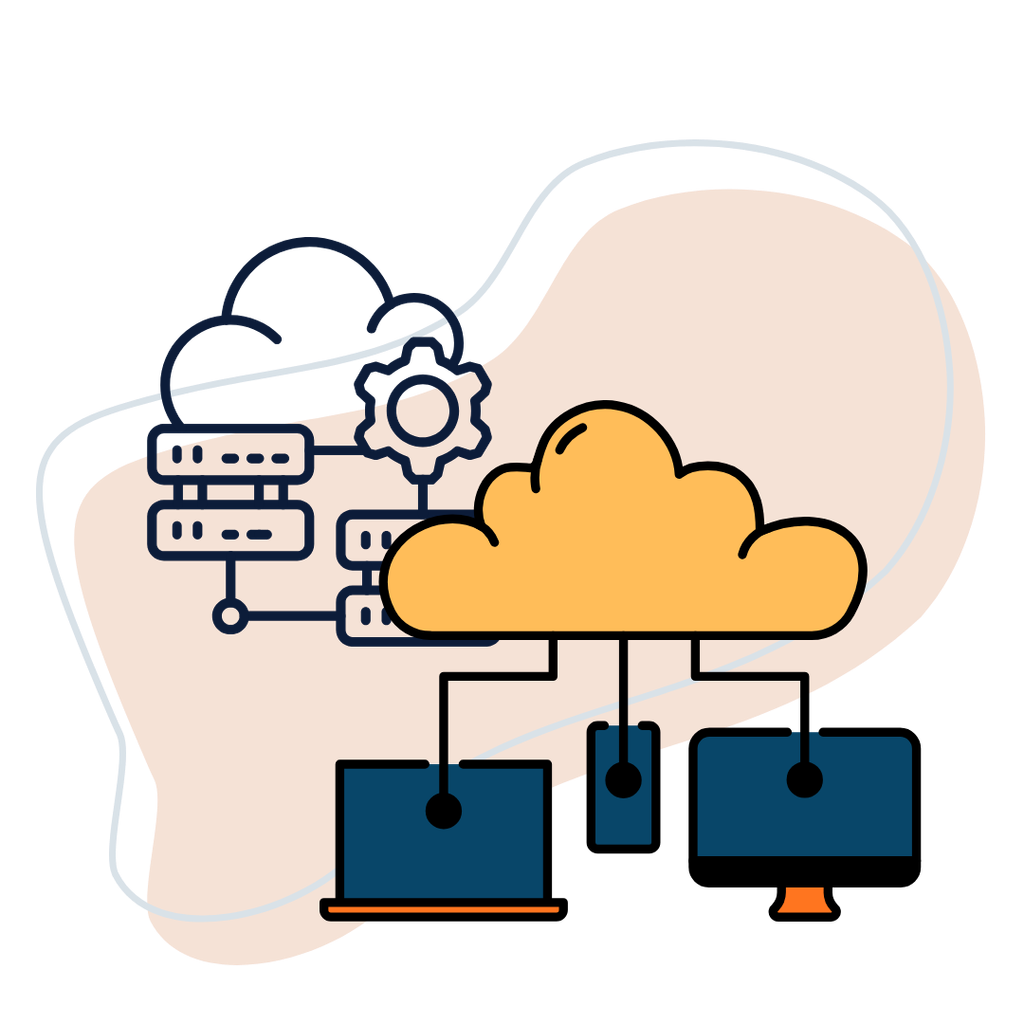
Here’s how both approaches compare.
| Factor | Multiple Small Servers | One Large Server |
|---|---|---|
| Scaling | Horizontal scaling | Vertical scaling |
| Workload distribution | Distributed across instances | Concentrated on one machine |
| Management | More complex | Simpler |
| Fault isolation | Potentially better | Single-server failure can affect the workload |
| Load balancing | Usually required for distributed traffic | Generally not required |
| Network communication | More inter-server communication | Mostly internal communication |
| Resource allocation | Flexible across components | Shared within one server |
| Initial setup | More configuration | Relatively straightforward |
| Best use case | Distributed applications | Monolithic or predictable workloads |
The right choice depends on your application’s architecture and performance requirements.
A distributed application may benefit from several smaller instances, while a traditional application could perform better and cost less on one appropriately sized server.
5. What About Performance, Reliability, and Cloud Costs?
When evaluating multiple small cloud servers vs one large, look beyond the advertised specifications. The way your application uses resources matters just as much as the resources themselves.
Performance
A larger server can provide substantial CPU and memory capacity without requiring communication between separate instances.
Multiple smaller servers can distribute requests and workloads, but inter-server communication introduces network latency and additional dependencies.
For database-heavy applications, moving the database to another server may even reduce performance if the application constantly exchanges data with it.
Reliability
Multiple servers can reduce the impact of an individual application server failure, provided traffic can be redirected and the remaining instances have enough capacity.
However, distributing an application across several servers also creates more components that need monitoring and maintenance.
A single large server has fewer moving parts, but it can become a single point of failure unless appropriate redundancy and recovery measures are in place.
Cloud Costs
Compare the total cost of ownership rather than just the monthly server price.
Include:
- CPU and RAM allocation.
- Storage and backup requirements.
- Data transfer and bandwidth.
- Load balancers and networking.
- Monitoring and management tools.
- Software licensing.
- Technical support and maintenance.
Data transfer deserves particular attention. Communication between cloud resources and traffic leaving a provider’s network may have different pricing rules.
Read our guide to cloud data transfer costs before designing a multi-server environment.
6. How to Choose the Right Cloud Capacity Strategy
There is no universal winner in the multiple small cloud servers vs one large debate. Use your workload as the starting point.
Here are five practical considerations.
1. Understand your workload: Identify whether your application is CPU-intensive, memory-intensive, database-heavy, or network-dependent.
2. Measure actual resource usage: Review CPU utilization, RAM consumption, disk I/O, network traffic, response times, and peak demand before upgrading.
3. Consider application architecture: Stateless applications are generally easier to distribute across multiple instances. Stateful applications and tightly coupled systems may require additional engineering.
4. Estimate total infrastructure costs: Include bandwidth, backups, storage, networking, monitoring, and operational overhead.
5. Plan for future growth: Decide whether you expect gradual growth, unpredictable traffic spikes, or major increases in application complexity.
For a broader look at whether cloud infrastructure is the right move, read Should My Company Move to Cloud?.
If you’re still unsure which configuration suits your workload, speak with a TezHost sales agent before committing to a plan.
7. How TezHost Is Making Cloud Scaling More Accessible
Cloud scalability planning shouldn’t require businesses to invest in oversized infrastructure before they actually need it.
TezHost offers cloud server configurations designed to support different stages of business and application growth.
Its cloud servers feature:
- AMD EPYC processors.
- DDR5 memory.
- Gen4 NVMe SSD storage.
- Dedicated IP addresses.
- Full root access.
- Linux and Windows operating system support.
- 20TB monthly bandwidth on the listed plans.
- Free data migration.
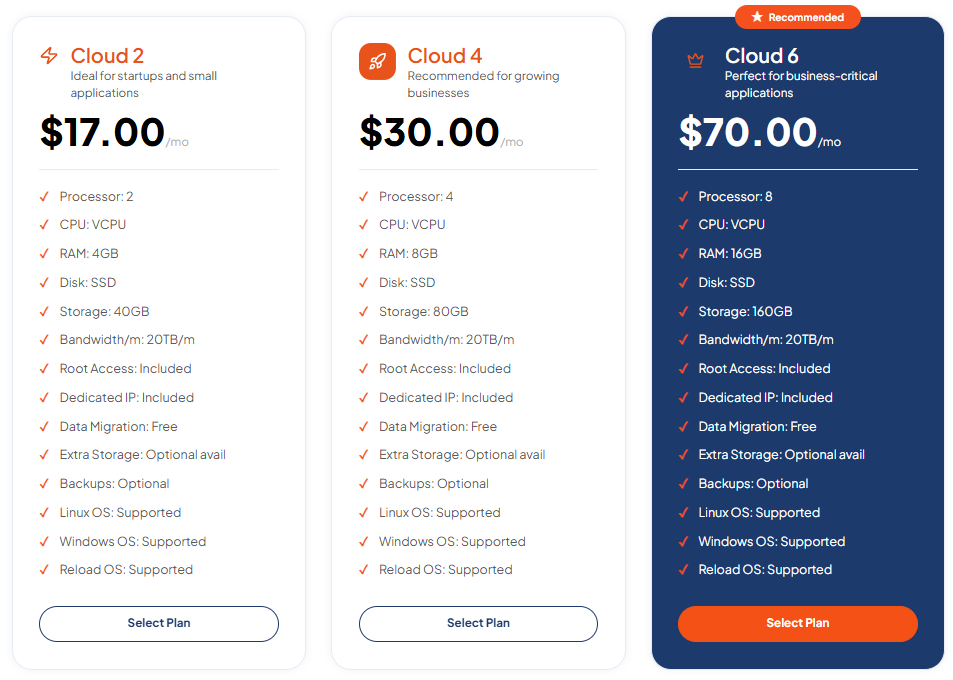
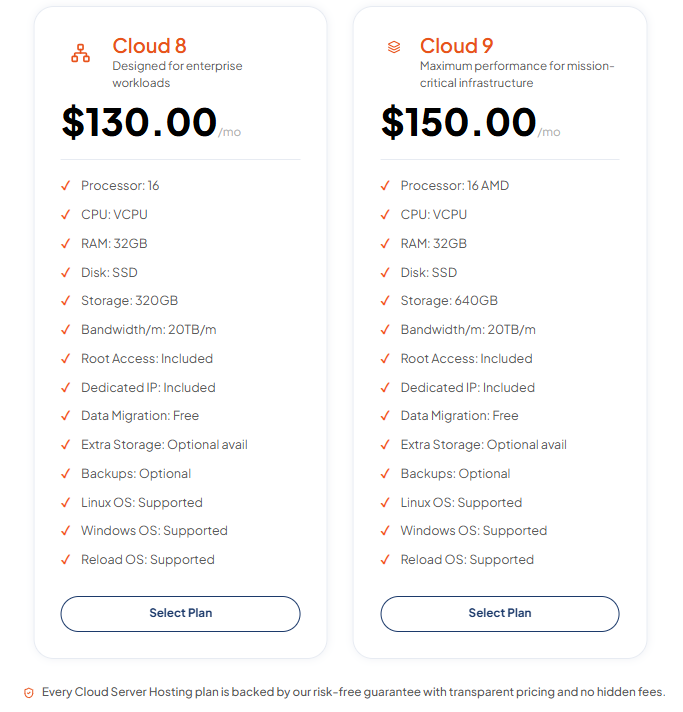
The published monthly plans currently include:
| Plan | vCPU | RAM | Storage | Monthly Price |
|---|---|---|---|---|
| Cloud 2 | 2 | 4GB | 40GB | $17 |
| Cloud 4 | 4 | 8GB | 80GB | $30 |
| Cloud 6 | 8 | 16GB | 160GB | $70 |
| Cloud 8 | 16 | 32GB | 320GB | $130 |
| Cloud 9 | 16 | 32GB | 640GB | $150 |
These options allow businesses to start with a configuration suited to their current workload and upgrade CPU, RAM, and storage as requirements increase.
One important distinction: upgrading a single TezHost cloud server is a vertical scaling approach. If your application requires multiple instances, load balancing, or a distributed architecture, those components need to be planned separately.
Explore TezHost Cloud Servers to compare configurations and specifications.
You can also register with TezHost or contact the sales team to discuss the right infrastructure for your application.
And if you’re building a new online project, you can also explore domain registration services alongside your hosting requirements.
Frequently Asked Questions
Are multiple small cloud servers better than one large server?
Multiple small cloud servers are generally better for applications that support horizontal scaling, workload distribution, and service isolation. One large server is often more suitable for applications with predictable workloads or tightly coupled components.
Is one large cloud server cheaper?
Not always. One large server can reduce management and networking complexity, but its cost depends on the provider’s pricing and resource configuration. Multiple smaller servers may be more economical when you only need to scale selected application components.
What is the difference between horizontal and vertical scaling?
Horizontal scaling adds more server instances to distribute workloads. Vertical scaling increases the CPU, RAM, or storage capacity of an existing server.
Can multiple small servers improve application reliability?
They can improve fault isolation and availability when combined with redundant instances, load balancing, health checks, and resilient data storage. Simply adding more servers does not guarantee high availability.
Should a startup use multiple cloud servers?
Most startups should begin with an architecture that matches their actual workload and technical capacity. A single appropriately sized server may be sufficient initially. Multiple instances become useful as traffic, application complexity, or availability requirements increase.
Conclusion: Build for Performance, Not Just Server Size
The multiple small cloud servers vs one large decision isn’t about choosing the configuration with the biggest combined specifications. It’s about building infrastructure that supports your application efficiently.
Choose multiple smaller servers when you need horizontal scaling, workload separation, and distributed capacity. Choose one larger server when simplicity, predictable workloads, and centralized resource management matter more.
Most importantly, measure your actual requirements before investing in additional infrastructure.
With the right cloud scalability planning, you can avoid unnecessary expenses, improve application performance, and build an environment that grows with your business.
Ready to plan your next cloud upgrade? Explore TezHost Cloud Servers, register here, or talk to a sales agent to discuss your requirements.