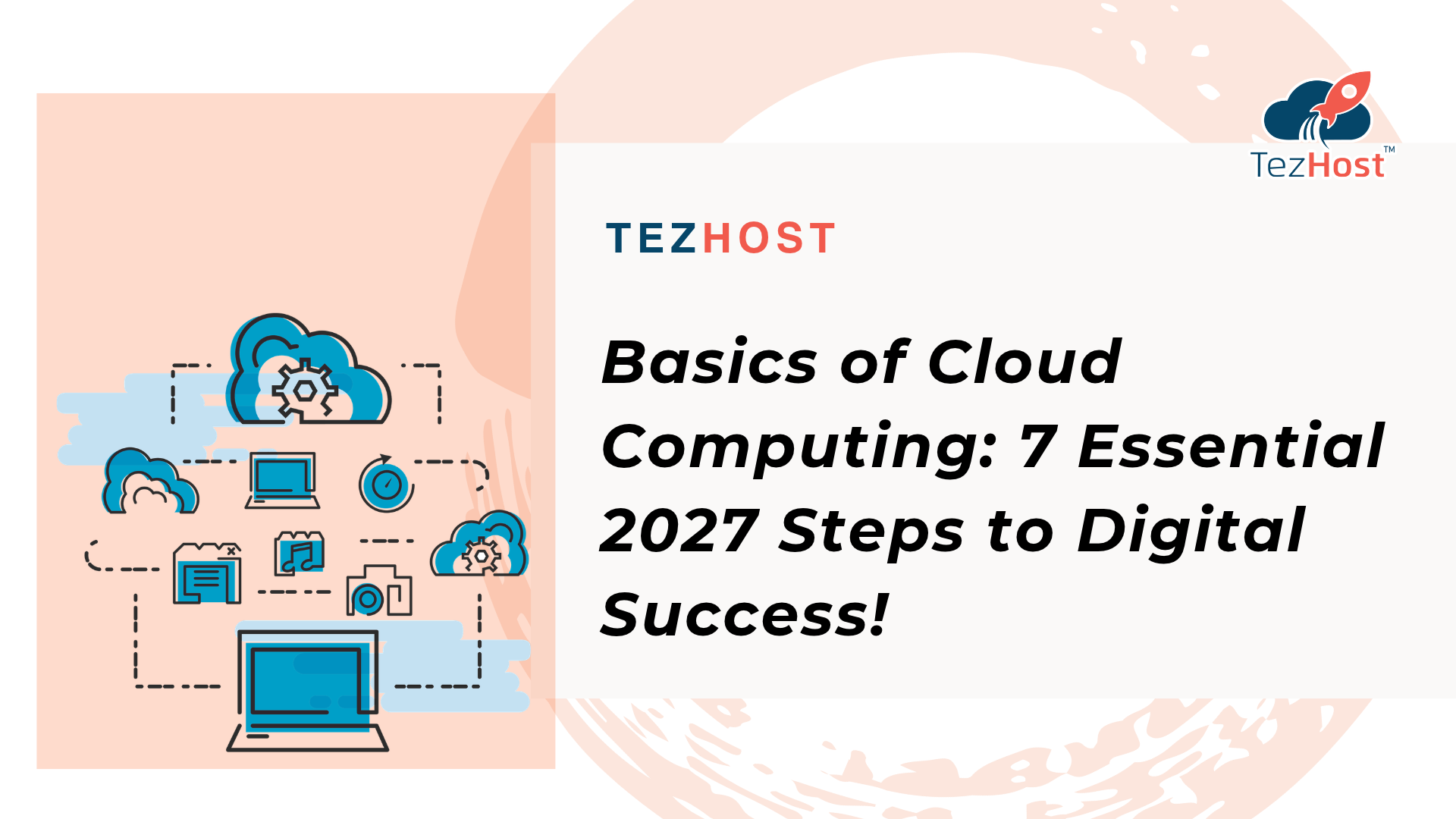
The basics of cloud computing help explain how businesses run websites, applications, databases, and digital services without owning every server they use. Instead of purchasing physical hardware for each workload, an organization can access computing resources over a network and select the capacity it needs.
Cloud technology supports ecommerce, remote teams, software development, data storage, analytics, and AI workloads. Yet choosing a service without understanding its principles can lead to unnecessary costs, security gaps, or poor performance. This guide explains the cloud computing principles, service and deployment models, and practical decisions businesses should make before moving workloads.
If you are exploring infrastructure for a website or application, register with TezHost or talk to a sales agent.
1. What Is Cloud Computing?
The basics of cloud computing begin with a straightforward definition: cloud computing provides network access to configurable resources such as servers, storage, networks, applications, and services when they are needed.
Rather than purchasing and maintaining all the hardware yourself, you use resources supplied through a cloud service. Depending on the service, you may manage the operating system and applications, or simply sign in and use finished software.
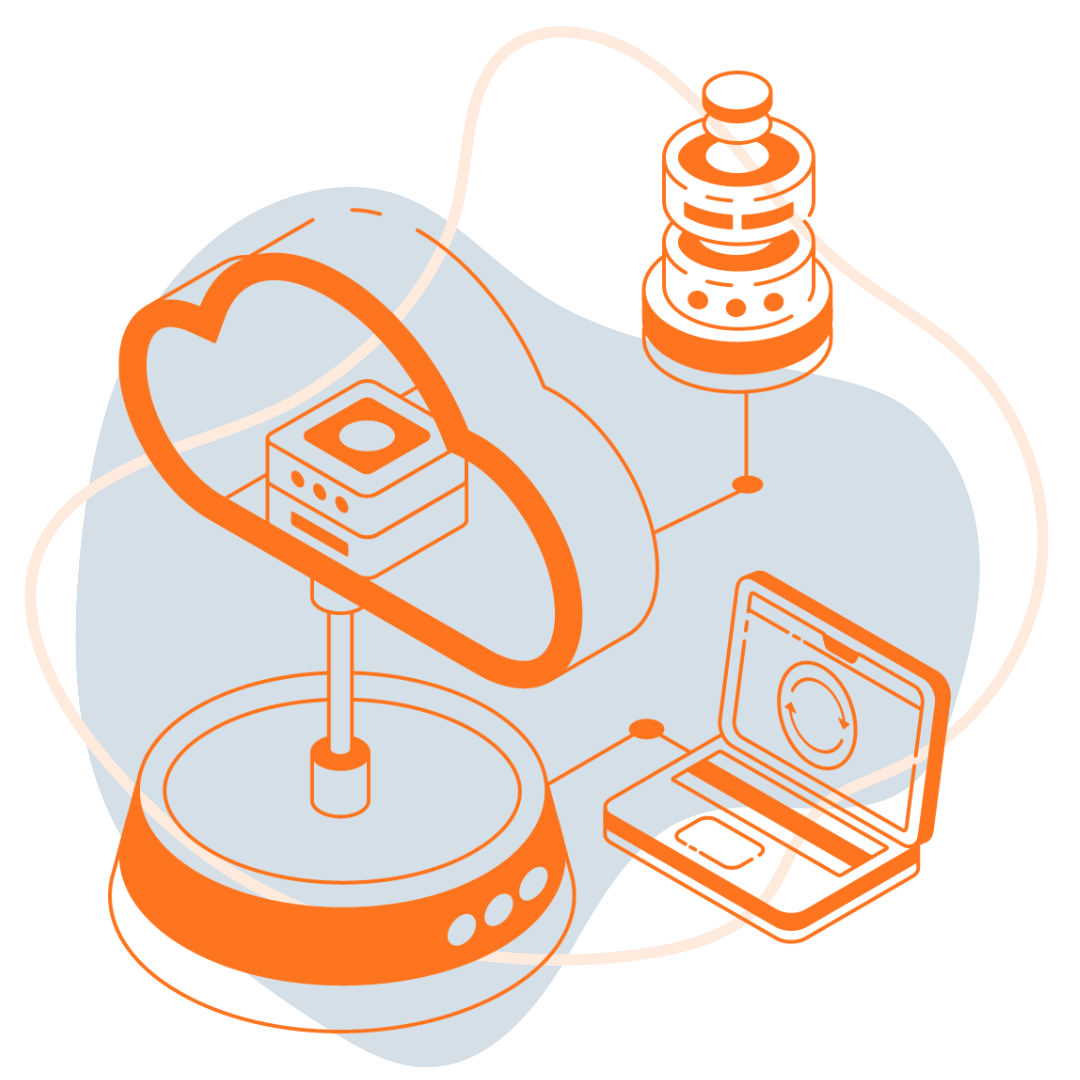
For example, an online store might run its website on a virtual server, keep product information in a database, store backups separately, and use a cloud email platform for staff communication. These services can be managed through dashboards, APIs, or command-line tools.
Cloud computing is broader than saving files online. It combines infrastructure, software, networking, resource management, and security. Understanding cloud fundamentals explained means knowing how these elements are delivered, controlled, measured, and protected.
2. What Are the Five Essential Principles of Cloud Computing?
The cloud computing principles are defined in the National Institute of Standards and Technology (NIST) model. It identifies five essential characteristics: on-demand self-service, broad network access, resource pooling, rapid elasticity, and measured service. These characteristics distinguish cloud computing from simply hosting a server remotely.
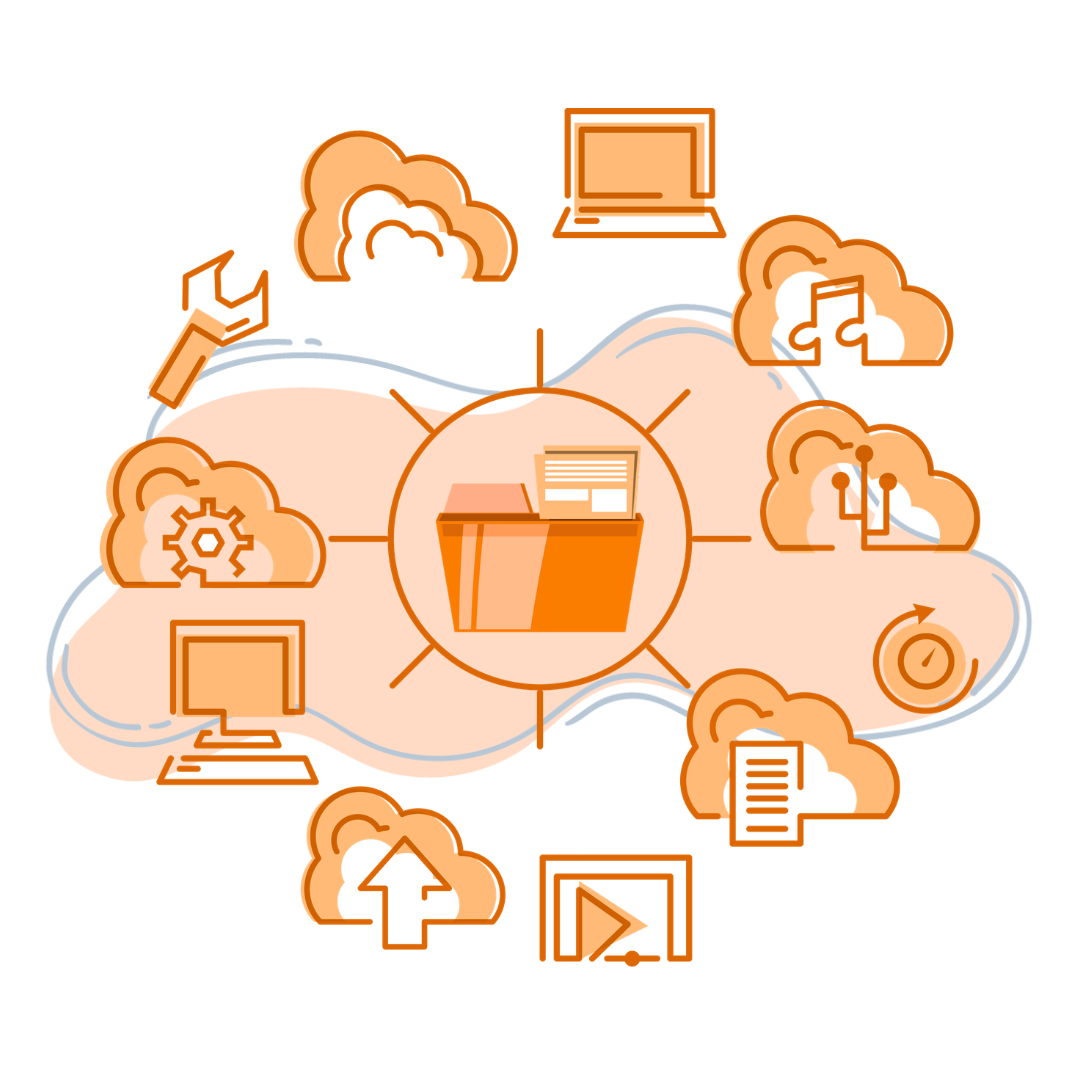
On-demand self-service: Customers can provision resources such as server time or storage when required, without contacting provider staff for every routine change. A control panel may let an administrator deploy a virtual machine, select an operating system, or increase storage.
Broad network access: Cloud services are available over a network and can be accessed through standard mechanisms from different devices. A developer might manage a server from a workstation, while an authorized manager accesses an application from a laptop or phone.
Resource pooling: Providers pool computing resources to serve multiple customers. Virtualization helps allocate processing, memory, storage, and network capacity to separate environments. Proper logical isolation is essential; resource pooling does not mean customers can access one another’s data.
Rapid elasticity: Resources can be provisioned and released as demand changes. A website may need more CPU and memory during a sales campaign and less capacity during quieter periods. Scaling can be manual or automated and depends on the provider, plan, application architecture, and configuration. Cloud does not mean unlimited capacity.
Measured service: Cloud systems measure resource use and provide monitoring or billing information. Charges may relate to server size, storage, bandwidth, requests, or active users. Measurement helps customers understand consumption, but it does not automatically prevent overspending.
These five characteristics form the technical foundation of the basics of cloud computing. Automation and security are important operational practices, but they are not additional characteristics in the original NIST definition.
3. What Are IaaS, PaaS, and SaaS?
The basics of cloud computing also include understanding how much of the technology stack the customer manages. Cloud services are commonly grouped into three models.
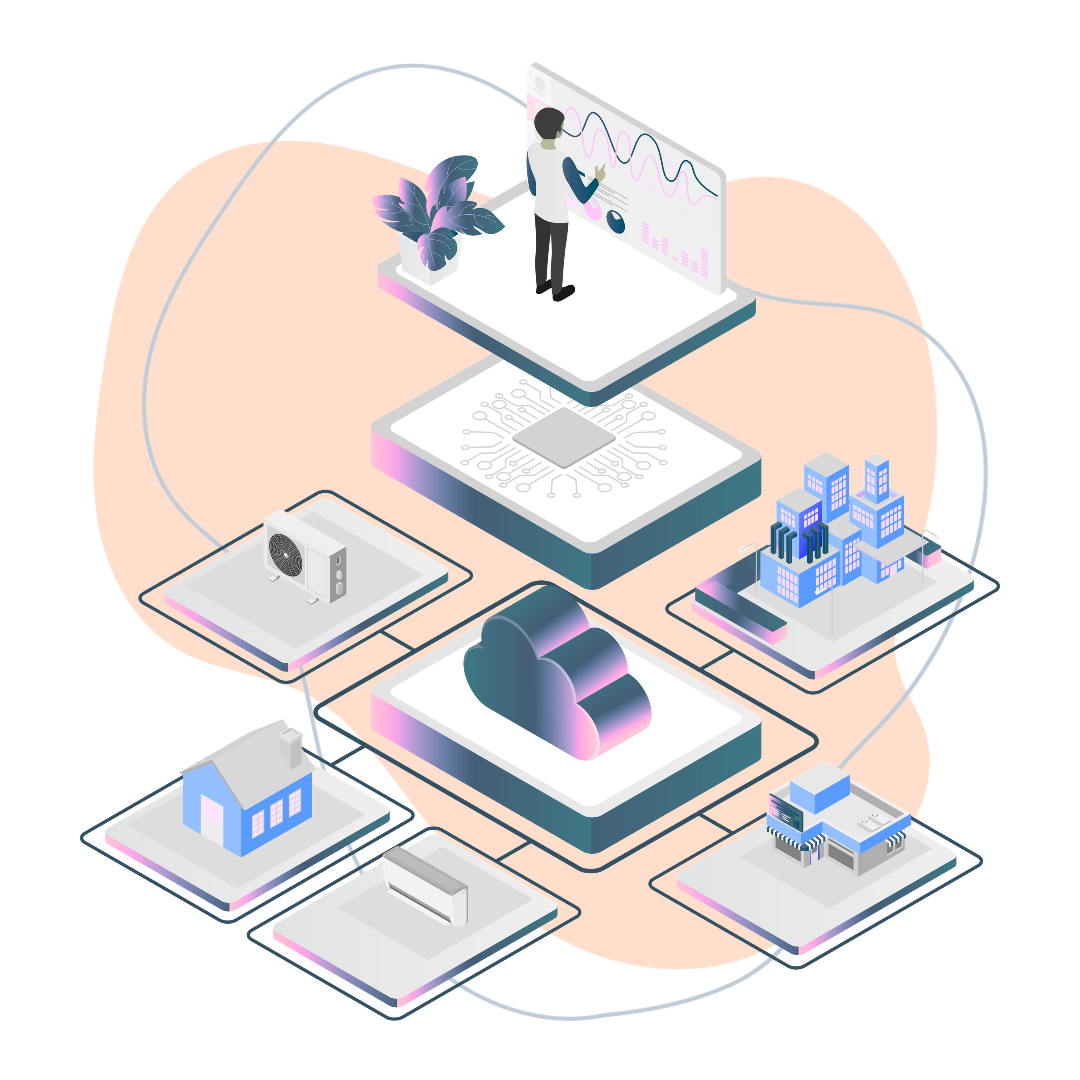
Infrastructure as a Service (IaaS): Provides virtual machines, storage, and networking. Customers generally manage the operating system, applications, and many security settings. It suits developers and organizations that need server-level control.
Platform as a Service (PaaS): Provides a managed environment for developing and deploying applications. The provider manages more of the underlying infrastructure and runtime, allowing developers to focus on application code. The trade-off can be reduced control over the environment.
Software as a Service (SaaS): Delivers ready-to-use applications over the internet. Users access the software while the provider manages the application platform and infrastructure. Business email, collaboration tools, and customer management platforms are common examples.
For readers who want cloud fundamentals explained without unnecessary jargon, the key distinction is how much of the technology stack the provider manages. The right model depends on your team’s technical skills, need for control, and application requirements. These cloud computing principles also clarify responsibility: the more of the stack the provider manages, the less infrastructure administration the customer usually performs.
4. What Are the Main Cloud Deployment Models?
The basics of cloud computing include deployment models, which describe how infrastructure is organized and who can use it. The main types are public, private, hybrid, and community cloud.
| Model | How it works | Typical use |
|---|---|---|
| Public cloud | Services run on provider infrastructure for multiple customers | Websites, applications, development |
| Private cloud | Infrastructure is dedicated to one organization | Workloads needing greater control |
| Hybrid cloud | Combines private infrastructure with public cloud services | Mixed technical or compliance needs |
| Community cloud | Shared by organizations with common requirements | Government, research, sector groups |
A public cloud can reduce the need to purchase hardware. A private cloud can provide more control. Hybrid designs can keep selected workloads in one environment while using public services for other tasks.
However, hybrid cloud introduces integration work. Identity, network connectivity, data movement, monitoring, and recovery procedures must be designed deliberately. These cloud computing principles help teams choose a model based on workload, governance, and compliance requirements rather than fashion.
5. Why Do Businesses Use Cloud Computing?
The basics of cloud computing matter because they explain the business value—and trade-offs—behind cloud adoption.
Common benefits include:
- Flexible capacity: Teams can adjust resources as workload requirements change.
- Faster provisioning: Virtual resources can often be deployed more quickly than purchasing and installing physical servers.
- Remote access: Authorized users can work with applications and data from different locations.
- Less physical infrastructure to maintain: Providers manage the underlying hardware for their cloud services.
- Modern services: Businesses can access managed databases, analytics, automation, and AI platforms.
- Recovery options: Cloud services can support backup and disaster recovery when designed and tested properly.
There are disadvantages. Poorly managed usage can increase costs; internet connectivity may be critical; data movement can create fees; and misconfigured accounts or applications can expose systems. Cloud adoption does not automatically guarantee lower costs, better performance, or uninterrupted uptime.
TezHost discusses these trade-offs in its guide to the advantages and disadvantages of cloud computing. Compare the total cost and operational impact with the workload’s actual requirements.
6. How Do Cloud Principles Apply to a Real Server?
The basics of cloud computing become easier to apply when you consider an ecommerce website preparing for a seasonal promotion. It needs enough CPU, memory, storage, and network capacity to serve visitors and process orders. The database must respond reliably, and the business needs backups in case an update or hardware issue causes a problem.
A practical cloud setup may include:
- A virtual server sized for the expected workload.
- SSD or NVMe storage for website files and database operations.
- Firewall rules that limit access to required ports.
- SSL/TLS to encrypt traffic between users and the website.
- Scheduled backups with a documented restore process.
- Monitoring for CPU, RAM, storage, bandwidth, and availability.
- A plan for scaling when traffic increases.
These cloud computing principles translate into measurable infrastructure decisions. A small business website may not need the same resources as a high-traffic ecommerce platform or data-processing application.
TezHost lists cloud server plans starting at $17 per month. Its Cloud 2 plan includes 2 vCPU, 4GB RAM, 40GB storage, 20TB monthly bandwidth, root access, a dedicated IP, and Linux or Windows support. Cloud 4 lists 4 vCPU, 8GB RAM, and 80GB storage. Free data migration is listed, while backups are optional. Check the TezHost cloud server page for current specifications and pricing.
If you are unsure how much CPU, RAM, or storage your workload needs, talk to a TezHost sales agent.
7. Is Cloud Computing Secure?
The basics of cloud computing also include understanding security responsibilities. Cloud services can be secure, but security depends on provider controls and customer configuration. Responsibility changes between IaaS, PaaS, and SaaS.
For an IaaS server, the provider typically protects physical infrastructure, while the customer remains responsible for many operating-system, application, identity, and data-security tasks. A secure deployment should consider:
- Identity and access: Use unique accounts, multi-factor authentication, and least-privilege permissions.
- Network controls: Restrict exposed ports and use secure remote administration.
- Encryption: Protect sensitive data in transit and, where appropriate, at rest.
- Patching: Keep operating systems, frameworks, and applications updated.
- Backups: Maintain separate backups and test restoration.
- Monitoring: Review logs, unusual access, resource spikes, and configuration changes.
Before choosing a provider, ask what is included, what you must configure, where data is stored, and whether the service meets legal or industry requirements. Read TezHost’s guide to security and choosing a cloud provider.
8. Does Cloud Computing Include Business Email?
The basics of cloud computing also apply to communication tools. Many organizations use cloud-hosted email, calendars, collaboration platforms, and file-sharing applications so authorized staff can work across locations.
This is where free email vs domain email becomes relevant. A free email address normally uses a provider’s domain, while a domain-based address uses the business’s own domain, such as sales@yourcompany.com. A domain registration or cloud server plan does not automatically include an email mailbox unless the package specifically says so.

When comparing professional email options, consider mailbox capacity, user administration, spam filtering, account recovery, security controls, availability, and support. A business-domain address can provide consistent branding and make staff accounts easier to manage centrally. Comparing professional email options also means checking whether the provider supports the authentication and administration features your organization needs.
Email authentication is also important. MX records direct incoming mail, while SPF, DKIM, and DMARC help receiving systems assess whether messages are authorized and authentic. Providers may ask you to add TXT records to verify domain control before activating a service.
When weighing free email vs domain email, consider who needs access, how accounts will be managed, and what level of support the business requires. The choice between free email vs domain email depends on the purpose. A personal mailbox may be sufficient for individual use, but businesses communicating with customers should evaluate the credibility, control, and administration offered by professional email options. Email hosting is separate from web or cloud server hosting unless it is explicitly included.
9. What Cloud Computing Trends Should Businesses Watch in 2027?
The basics of cloud computing remain relevant as technology evolves, but the workloads running on cloud infrastructure are changing.
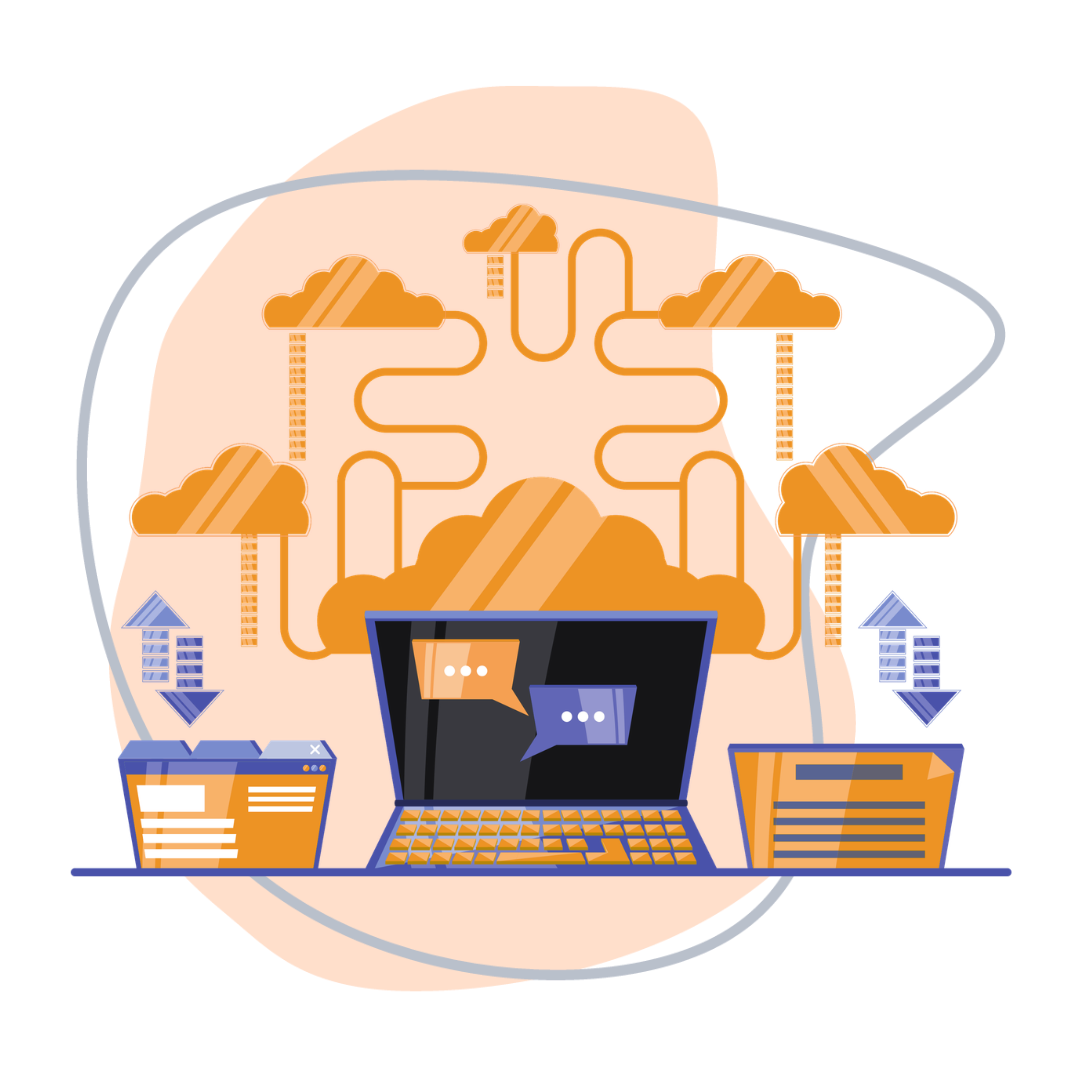
Key developments include:
- AI and machine learning: Cloud platforms provide compute capacity and managed services for training and running AI workloads.
- Hybrid and multi-cloud: Organizations distribute workloads across environments to meet technical, geographic, or governance requirements.
- Automation: Infrastructure as code and deployment pipelines help teams create repeatable environments.
- Edge computing: Processing data closer to where it is generated can help applications that require low latency.
- Cloud-native applications: Containers, microservices, and orchestration tools continue to influence application design.
- Security and governance: Identity protection, monitoring, data controls, and workload security remain essential.
Not every business needs a complex multi-cloud strategy or AI infrastructure. The right decision depends on the problem, the team’s capabilities, and the total cost of operating the solution.
Explore TezHost’s articles on six future cloud computing trends and predictions, cloud computing demand, and cloud computing job prospects.
How TezHost Is Making Cloud Infrastructure More Accessible
Understanding the basics of cloud computing is useful when a business can apply them to a real hosting environment. TezHost provides cloud server plans for developers, startups, and businesses that need control over their server configuration.
Its listed plans include root access, a dedicated IP, 20TB monthly bandwidth, Linux and Windows operating system support, and free data migration. The Cloud 2 plan starts at $17 per month and lists 2 vCPU, 4GB RAM, and 40GB storage. Customers can compare configurations and choose resources based on their workload.
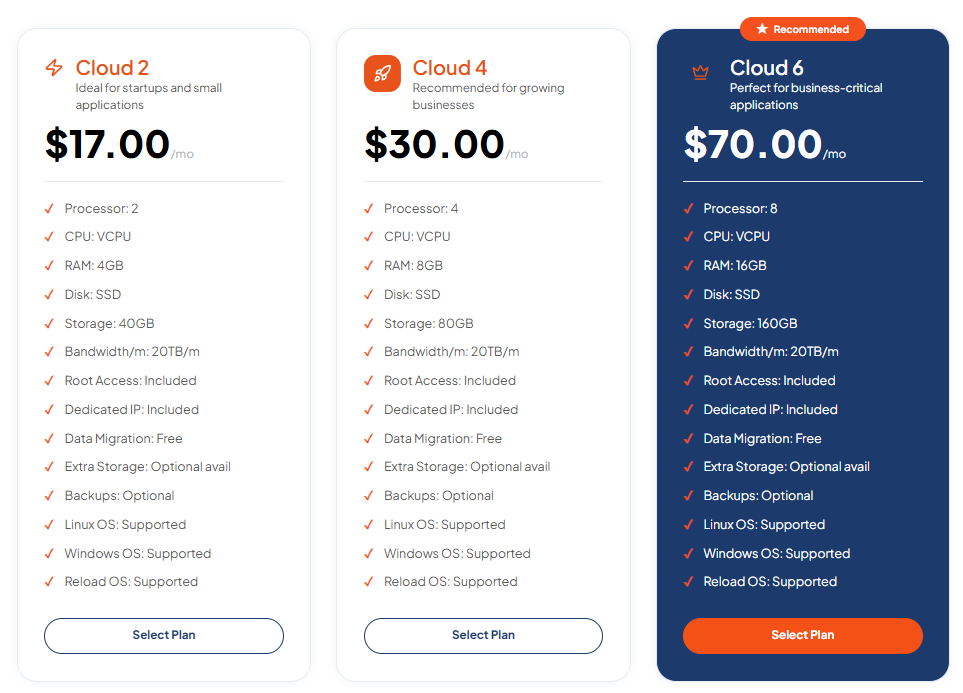
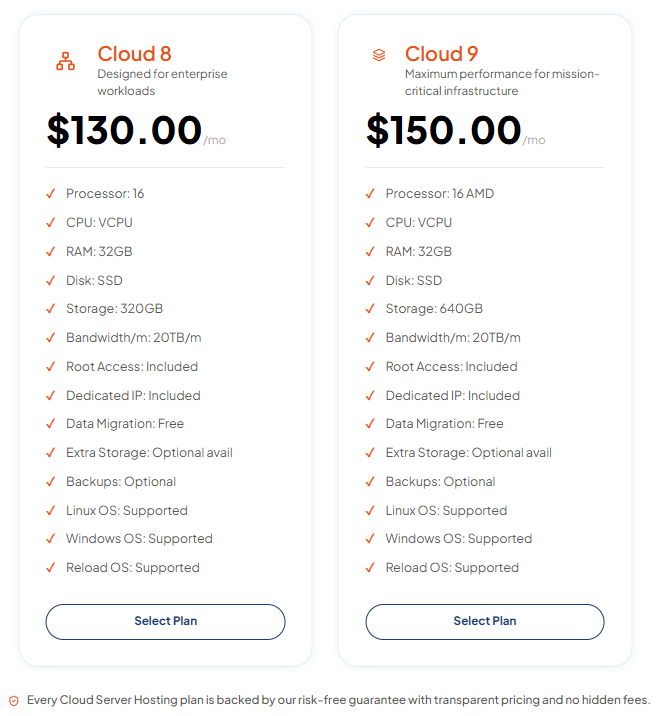
This gives customers access to virtual server infrastructure without buying and maintaining physical server hardware themselves. Root access is useful for technical users who need to configure the operating system, install software, manage services, and control their application environment.
Cloud hosting still requires good administration. Customers should secure access, maintain applications, monitor resource use, and arrange backups appropriate to their recovery needs. TezHost provides the server platform and support to help customers select a suitable configuration.
Explore TezHost Cloud Servers, register here, or talk to a sales agent.
Frequently Asked Questions
What are the five essential characteristics of cloud computing?
The basics of cloud computing are reflected in the five characteristics in the NIST definition: on-demand self-service, broad network access, resource pooling, rapid elasticity, and measured service. They describe how cloud resources are provisioned, accessed, shared, adjusted, and monitored.
What is the difference between cloud computing and cloud storage?
Cloud storage is one service within cloud computing. Cloud computing also includes servers, processing power, networking, databases, platforms, and software delivered over a network.
Is cloud computing suitable for small businesses?
Yes. Small businesses can use cloud services to host websites, run applications, store data, and access business software without purchasing all the underlying physical infrastructure. They should still compare costs, security needs, and support arrangements.
Is cloud computing the same as virtualization?
No. Virtualization divides physical computing resources into virtual environments. Cloud computing uses virtualization and other technologies to deliver resources as accessible, managed, and measurable services.
Which cloud service model should I choose?
Choose IaaS when you need control over virtual servers and operating systems. PaaS is useful when you want a managed application platform. SaaS is suitable when you need ready-to-use software without managing the underlying infrastructure.
Does cloud computing guarantee unlimited scalability?
No. Resources may be increased or reduced, but scaling depends on provider capacity, plan limits, application design, and configuration. Some upgrades require manual action and may increase costs.
Conclusion: Build a Better Cloud Strategy
The basics of cloud computing are built around on-demand access, network availability, resource pooling, elasticity, and measured usage. Service models and deployment models determine how technology is delivered and who manages each layer.
Before choosing a cloud service, identify workload requirements, estimate CPU, RAM, storage, and bandwidth, review security responsibilities, and plan for backups and cost monitoring. The best cloud environment is not necessarily the largest or most advanced one; it is the one that fits your technical and business needs.
Ready to explore cloud hosting? Visit TezHost Cloud Servers, register with TezHost, or speak with a sales agent.